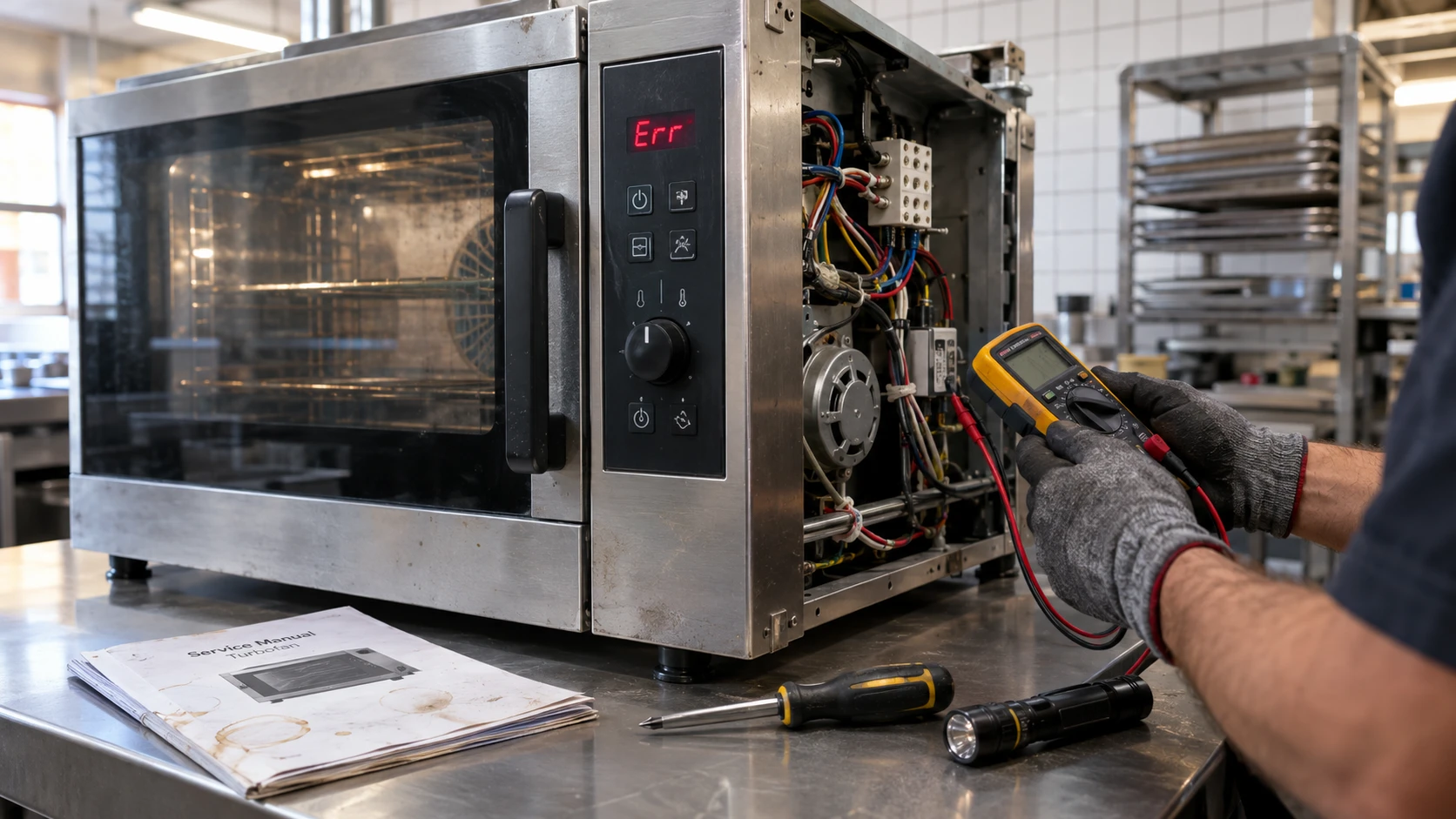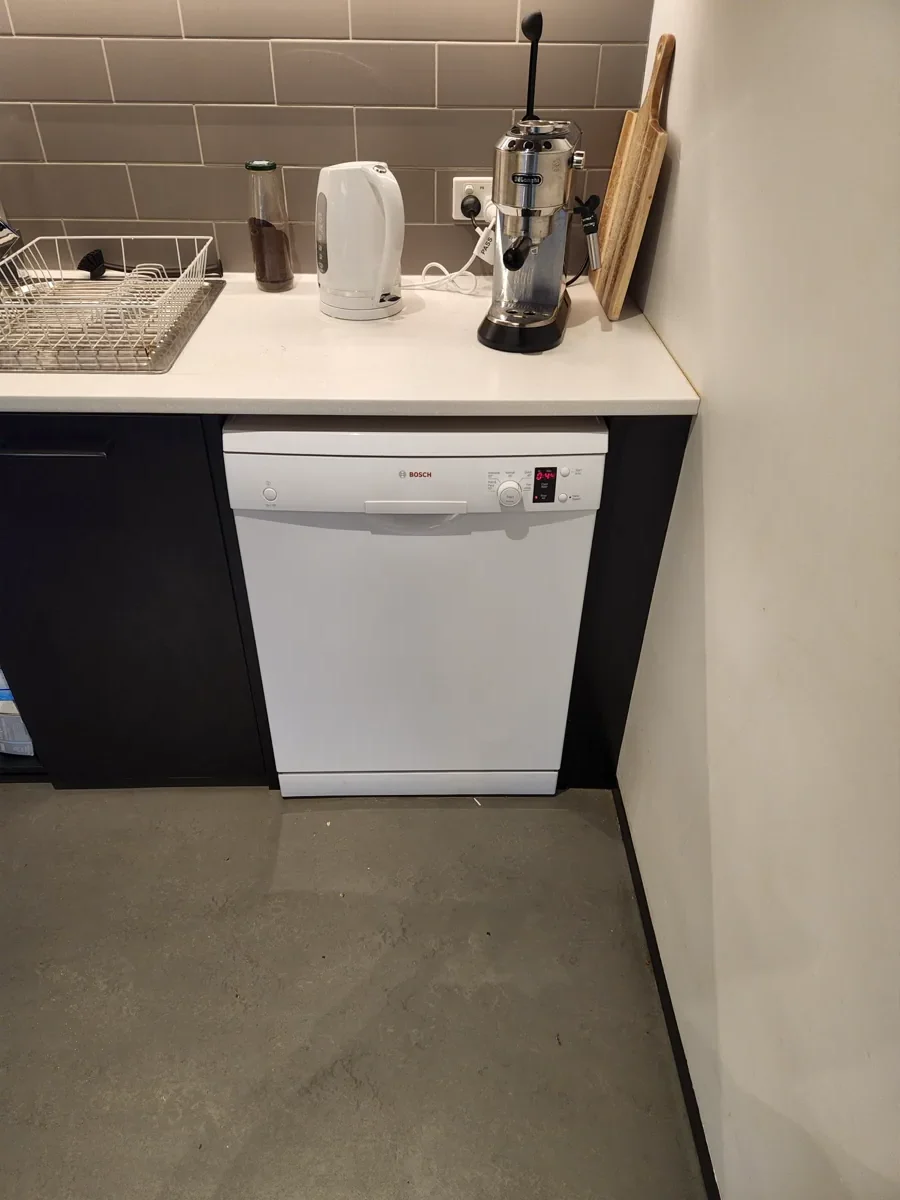
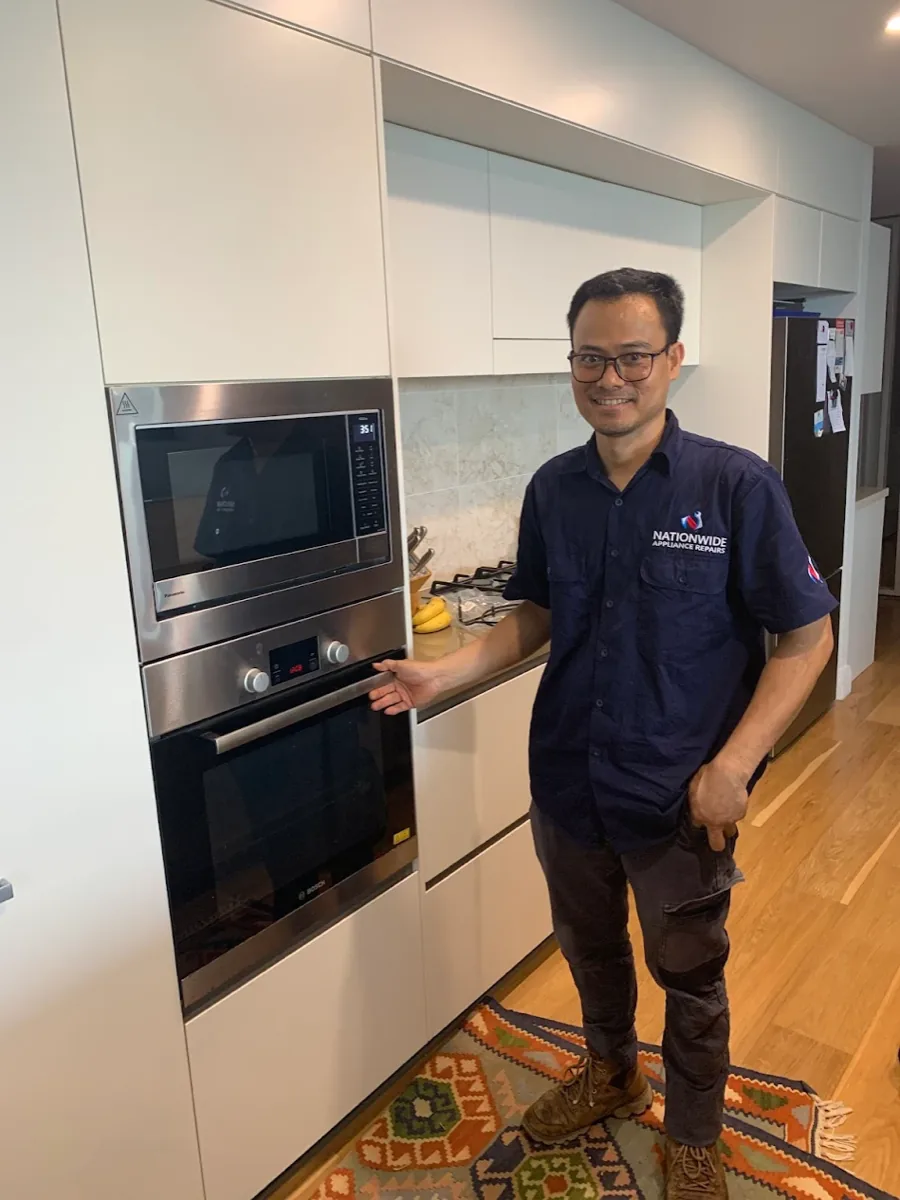

An oven that suddenly refuses to cooperate mid-recipe is stressful enough without a cryptic code flashing at you from the display. Bosch and Samsung both build fault detection into their ovens, and in both cases a code showing up doesn’t necessarily mean something expensive has broken. Quite often it’s a simple reset, or a control panel that just needs a wipe down.
Here’s what we see most often with each brand, based on their own official troubleshooting guidance, and how to tell a quick fix from something that needs a technician.
Need This Fixed Today?
Our licensed technicians repair this exact fault every week – fast, reliable, and backed by a workmanship guarantee.
- Licensed & insured
- Workmanship guarantee
- No fix, no fee
Bosch: How the E-Code System Works
Bosch’s own guidance is refreshingly simple. If you see an “E” followed by a number on the display, press any key to stop the beeping, then reset the oven by switching it off at the breaker, waiting around 30 seconds to five minutes depending on the model, and turning it back on. In most cases that clears the fault and the oven returns to normal.
If the code comes back after a reset, that’s the signal it’s a genuine fault rather than a temporary glitch.
E011 is one of the most common Bosch oven codes, and it’s specifically a control panel issue. According to Bosch’s own troubleshooting steps, the fix is to clean the control panel and wipe it completely dry, then power off at the breaker for around five minutes before restoring power. Moisture, grease, or food residue on the touch controls is the usual trigger, so a quick wipe-down after cooking goes a long way toward preventing it from showing up again.
Beyond E011, Bosch’s broader guidance is consistent across the range: note the exact code, reset the oven, and if it returns, contact Bosch support or a technician rather than continuing to reset it repeatedly. Different codes point to different internal systems, from the temperature sensor to the door lock on self-cleaning models, but Bosch doesn’t publish a single universal table that applies to every oven generation. Your model’s manual, or a technician who works on Bosch ovens regularly, is the most reliable way to pin down exactly what a specific code beyond E011 means for your unit.
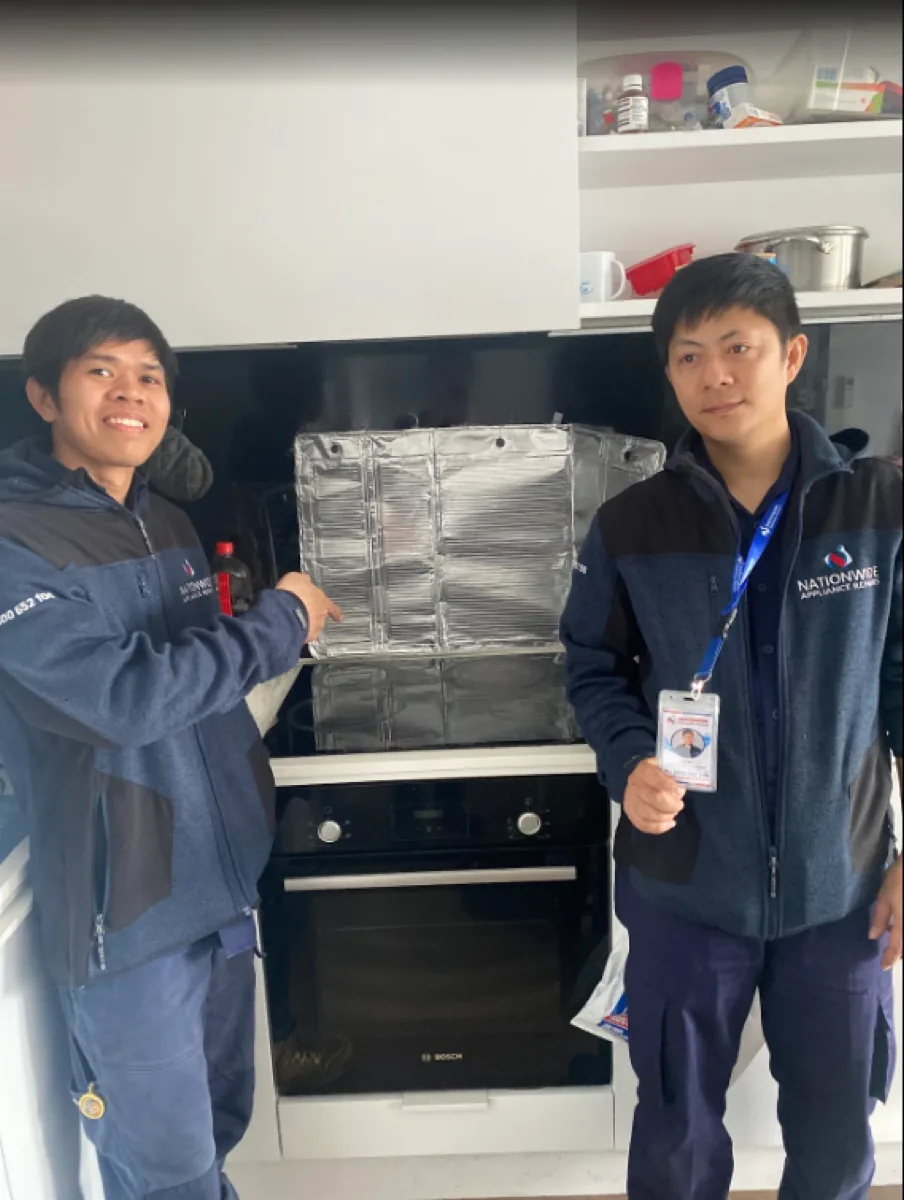
Samsung: A Slightly Different Format
Samsung ovens use a “C” prefix rather than Bosch’s “E,” and the company’s own support documentation lists several codes clearly.
- C-d0 appears when a button has been pressed and held for an extended period, and it usually means moisture or residue is sitting on or around the buttons. Clean them thoroughly, make sure they’re dry, then turn the oven off and try again.
- C-20, C-21, and C-22 all relate to sensor malfunctions. These show up when the oven’s temperature sensor reports a reading outside expected limits, which can mean an actual sensor fault or the oven genuinely running hotter than it should. Turn the oven off and restart it first. If the code returns, switch off all power for at least 30 seconds before reconnecting. If it comes back a second time, this isn’t one to keep resetting: an oven that’s actually overheating is a safety issue, and it’s worth having a technician check the sensor and control board rather than trying it again.
- C-d1 means a door lock malfunction, most often seen on models with a self-clean function. Same process applies: turn off and restart, and if it persists, cut power for 30 seconds before reconnecting.
- dC or dE shows up specifically on dual cook models, and it means the internal divider is in the wrong position for the mode you’ve selected. It needs to be in place for dual cook mode and removed for single cook mode. This one’s genuinely just a setup issue rather than a fault.
- C-F0, C-F1, and C-F2 all point to a communication problem between the oven’s main and secondary control boards. These are the ones most likely to need a technician, since they involve the internal electronics rather than something user-serviceable.
Quick Reference Table
| Code | Brand | What It Usually Means |
|---|---|---|
| E011 | Bosch | Control panel issue, often moisture or residue on the buttons |
| C-d0 | Samsung | Button held too long, or moisture on the controls |
| C-20, C-21, C-22 | Samsung | Temperature sensor malfunction, or genuine overheating |
| C-d1 | Samsung | Door lock malfunction |
| dC, dE | Samsung | Divider not in the correct position for the selected cook mode |
| C-F0, C-F1, C-F2 | Samsung | Communication fault between control boards |
What You Can Check Yourself
- Clean the control panel thoroughly and make sure it’s completely dry before using the oven again
- Reset the oven at the breaker rather than just switching it off at the appliance, since a full power cycle clears more faults than the display’s own reset
- Note down the exact code before calling anyone. It saves time and helps a technician diagnose it faster over the phone
- For Samsung dual cook models, double check the divider is correctly fitted or removed for the mode you’re using
- If a code clears after a reset and doesn’t return, that’s usually the end of it
When It’s Worth Calling a Technician
A code that clears once and stays gone was almost certainly a temporary glitch. A code that keeps coming back, especially a temperature or overheating code, is a different matter, and it’s not something to keep resetting and hoping it goes away. Repeated overheating puts real strain on the oven’s internal components and, in the worst case, is a genuine safety risk.
National Appliance Repairs technicians work on both Bosch and Samsung ovens regularly, and carry genuine sensors, control boards, and door lock components for oven and cooktop repairs across both ranges. Most oven faults are diagnosed and fixed in a single visit, backed by a 12-month parts warranty and 3-month labour warranty. If your Bosch dishwasher is also giving you trouble, our guide on common faults with Smeg and Bosch dishwashers covers that separately.
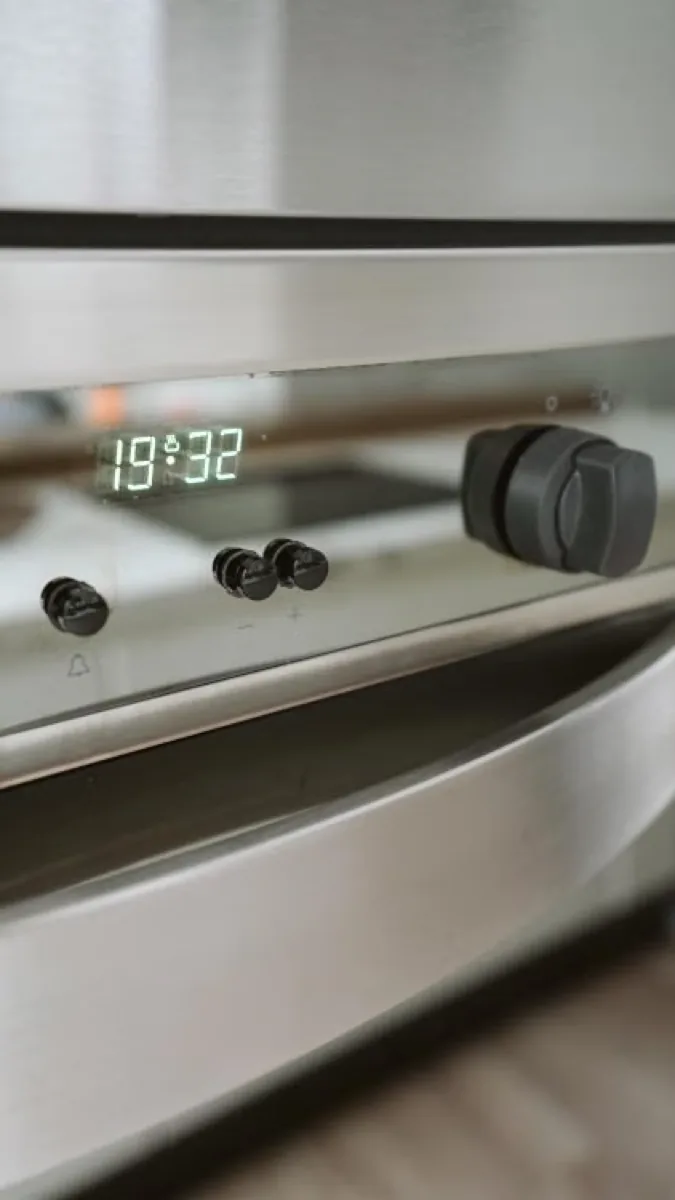
Frequently Asked Questions
What does the E011 code mean on a Bosch oven?
It’s a control panel fault, usually caused by moisture, grease, or food residue on the touch controls. Cleaning the panel thoroughly, drying it completely, and resetting at the breaker resolves it in most cases.
What does C-21 mean on a Samsung oven?
It’s a temperature sensor malfunction, which can mean the sensor itself has failed or the oven is genuinely running hotter than the set temperature. Restart the oven first, and if the code returns, it’s worth having a technician check it rather than continuing to reset it.
Why does my Bosch oven show a different code than the ones listed here?
Bosch doesn’t publish one universal code table that applies across every oven generation, and the meaning of a given number can vary by model. Your owner’s manual, or a technician familiar with your specific range, is the most accurate way to confirm what it means.
Is it safe to keep using my oven if a code keeps coming back?
Not if it’s a temperature or sensor-related code. An oven that’s actually overheating is a genuine safety concern, and repeated resets don’t fix the underlying fault, they just delay dealing with it.
How much does it cost to fix an oven showing an error code?
It depends entirely on the fault. A control panel clean costs nothing. A sensor, control board, or door lock replacement is a bigger job. Call 1300 434 380 for a free phone consultation and ballpark pricing before booking.
The Bottom Line
Most Bosch and Samsung oven codes clear with a proper clean and a full power reset. The ones worth taking seriously are the ones that keep coming back, particularly anything related to temperature or the sensor. Still showing a code after trying the basics?
Get in touch with National Appliance Repairs or call 1300 434 380 for a same-day assessment, subject to availability, across Melbourne, Sydney, Brisbane, Adelaide, and Perth.