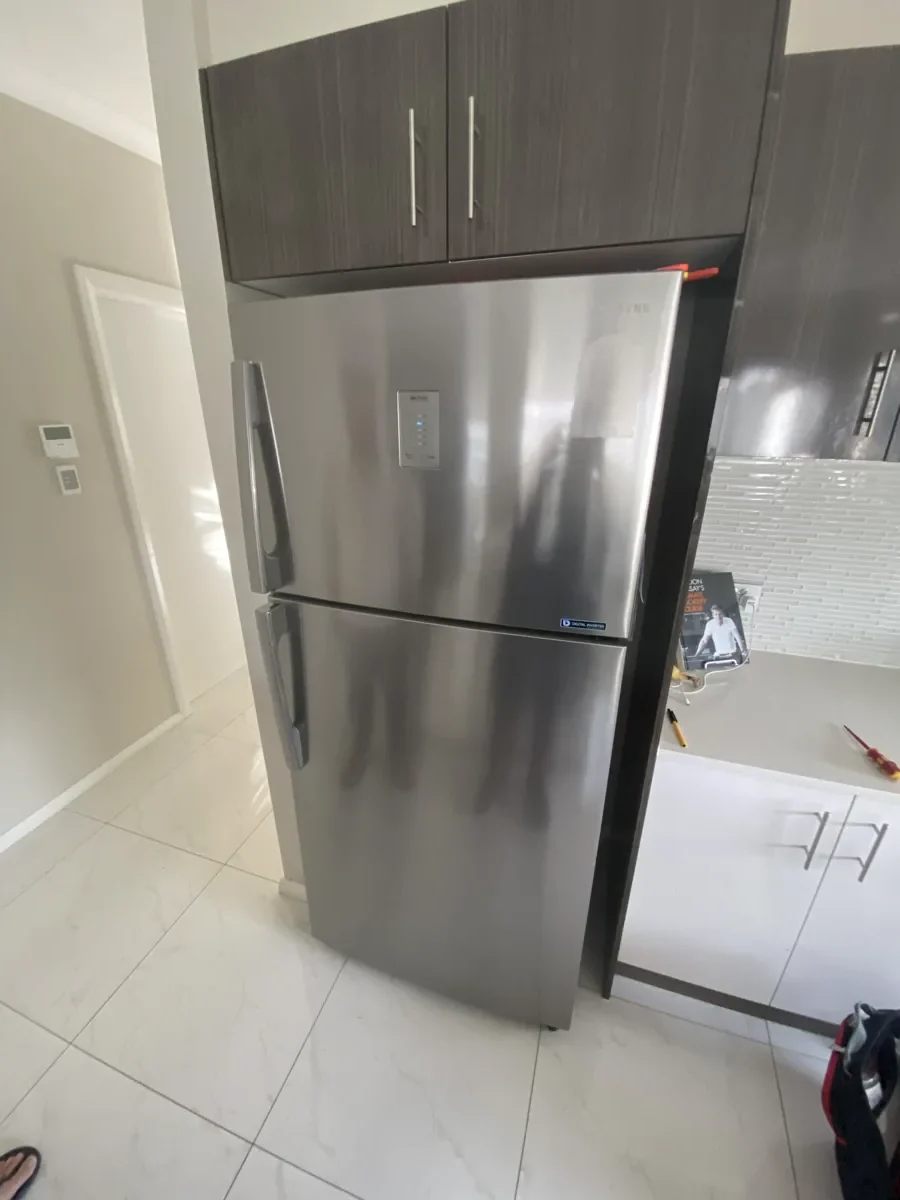
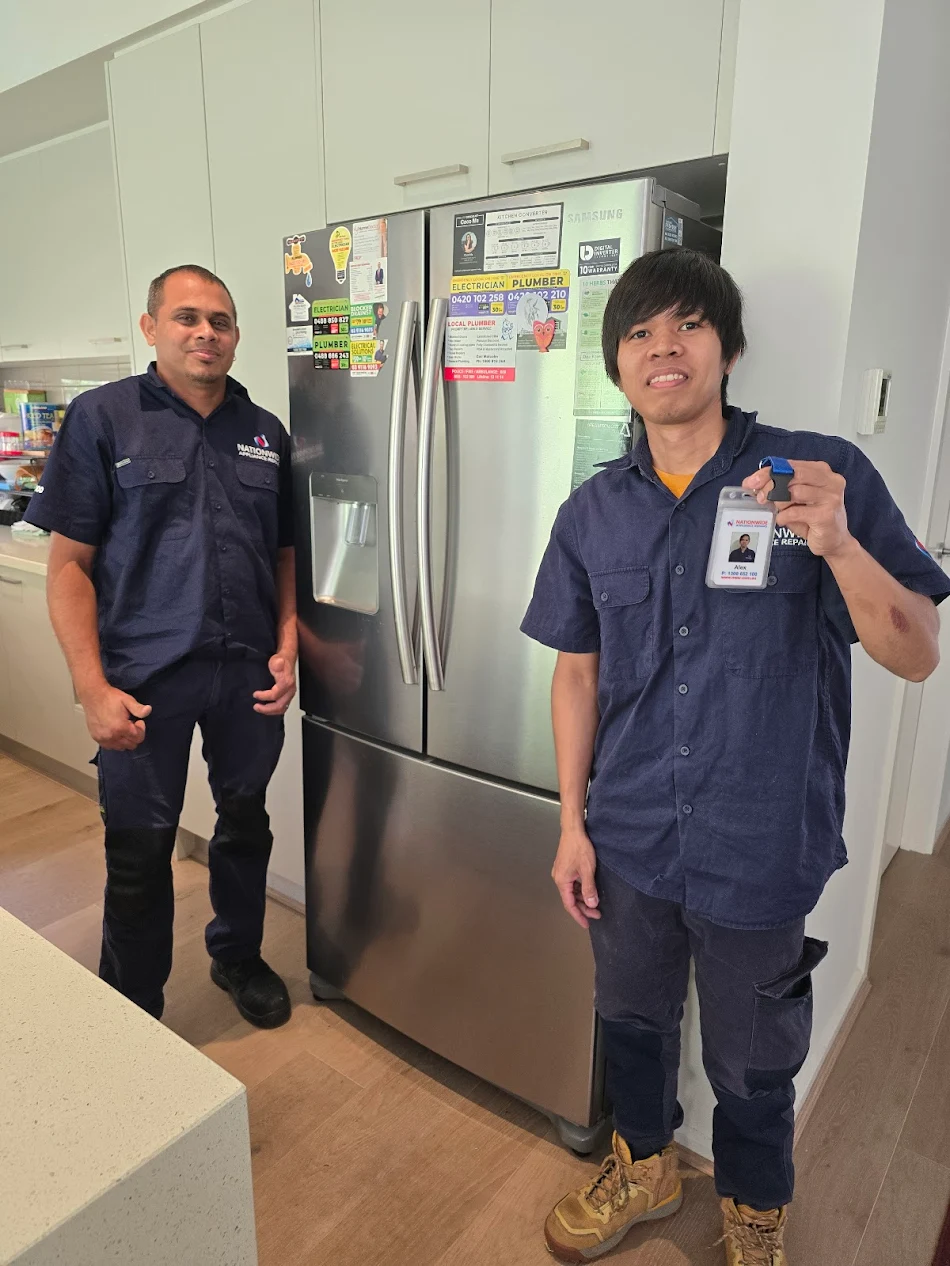

Lights on, display working, panel responding, and nothing getting cold. Most people at this point are pricing replacement fridges.
Stop. If the display is showing OF OF, O FF, OFF OFF, or scrolling temperature bars, the fridge is doing exactly what it has been told to do. Cooling is switched off on purpose. National Appliance Repairs technicians attend this call regularly, and it is the one where we would rather you saved the money and fixed it in ninety seconds.
What OF OF actually means
Samsung calls it Cooling Off mode. Retailers know it as Demo mode, Exhibition mode or Shop mode. It exists so a fridge on a showroom floor can light up, respond to buttons and look alive without running the compressor for months on end.
In this mode the cooling system, the ice maker and the water dispenser are all disabled. The panel still works. The interior light still comes on. Nothing gets cold.
Samsung is explicit that service is not required to exit it.
How your fridge ended up in Demo mode
Three routes account for nearly every case:
- It was a floor model: Ex-display units are sold with the mode still active more often than anyone would like.
- Somebody hit the button combination by accident: The shortcut is two buttons held together, which is well within reach of a curious child, a wiped-down panel or an elbow.
- A power event triggered it: Some units come back from an outage or a surge in this state.
Samsung also positions the mode as a feature. If you are going away and the fridge is empty, switching cooling off saves energy without unplugging the unit. Worth knowing, and worth not leaving on with food inside.
How to turn Cooling Off mode off
The buttons are labelled differently across the range, but their positions are consistent. Samsung’s published steps are the same whether you are turning the mode on or off.
| Model type | What to do |
|---|---|
| Most standard models | Touch and hold Button 1 and Button 2 together until the fridge chimes |
| If that does not clear it | Touch and hold Button 1, Button 2 and Button 4 together until it chimes |
| Bespoke models | Touch and hold the < and > buttons together for six seconds, then press the O button |
| Family Hub | Tap Apps, open Fridge Manager, tap Fridge Settings, then Cooling Off Deactivate and Proceed |
Once the mode is off, OF OF or O FF disappears from the display after a few seconds and the panel returns to showing the current temperature. The compressor will start within a short time and the cabinet will begin pulling down.
Give it 12 to 24 hours to reach a stable temperature before judging whether the fridge is cooling properly. A fridge starting from ambient temperature with a full load takes time.
If you cannot find the right buttons
Samsung’s own guidance covers the most common panels, and your user manual lists the exact combination for your model number. The model number is on a label inside the fridge compartment, usually on the upper left wall or the door jamb.
Samsung’s advice for anyone struggling with the button sequence is to ask a friend or family member to try, because the timing catches people out. Hold the buttons longer than feels natural. Most failed attempts are released too early.
When it is not Demo mode
If the display shows a temperature reading and the fridge still is not cooling, Cooling Off mode is not your problem. Samsung is clear on this point: if OF OF or O FF is not showing, you are not in Cooling Off mode and something else is going on.
At that stage the likely candidates are:
- A fan or defrost fault, which usually announces itself with a code such as 21E or 22E
- A sealed system or compressor problem, where the freezer is warm as well
- An installation issue, such as inadequate clearance at the rear or a unit sitting in a hot, unventilated space
For the third of those, our guide to installation faults that look like breakdowns covers what to check before booking anyone. For the first two, book a technician.
Our fridge repair team works across five capitals with same-day appointments subject to availability. Call NAR’s local branch and mention precisely what the display is showing when you call. If it says OF OF, our office team will talk you through the button combination rather than book a visit.
What to do about the food
If the fridge has been in Cooling Off mode for more than a few hours with food inside, treat that food as suspect. Food Standards Australia New Zealand identifies 5°C to 60°C as the range where food-poisoning bacteria multiply, and puts the safe window at generally less than four hours in total.
Dairy, meat, seafood, cooked rice and prepared salads are the items to discard rather than gamble on. Appearance and smell are not reliable indicators.
Frequently asked questions
What does OF OF mean on a Samsung fridge?
It means Cooling Off mode, also called Demo mode or Shop mode, is switched on. The cooling system, ice maker and water dispenser are disabled while the display and lights keep working. It is not a fault code.
Is OF OF the same as O FF?
Yes. Depending on the model, the same mode displays as OF OF, O FF, OFF OFF, or as scrolling temperature bars.
How do I get my Samsung fridge out of Demo mode?
On most models, hold Button 1 and Button 2 together until the fridge chimes. If that does not work, hold Button 1, Button 2 and Button 4 together. Bespoke and Family Hub models use different steps.
Do I need a technician to fix OF OF?
No. Samsung states that service is not required to exit Cooling Off mode. If the display shows a normal temperature and the fridge still will not cool, that is a separate problem worth booking.
Why did my Samsung fridge go into Demo mode by itself?
Usually an accidental button press or a power interruption. Ex-display units are also sometimes delivered with the mode still active.
The short version
OF OF is a setting, not a breakdown. Two buttons held together will usually clear it, three if the first attempt does not take, and Bespoke and Family Hub models have their own routes. Once cooling restarts, allow the cabinet a day to stabilise before drawing conclusions.
If the display returns to normal temperatures and the fridge still is not cold, that is when it becomes a repair. National Appliance Repairs services Samsung fridges in Melbourne, Sydney, Brisbane, Adelaide and Perth, and you can book online or call your nearest office. We would rather tell you it was Demo mode over the phone than charge you to find out.