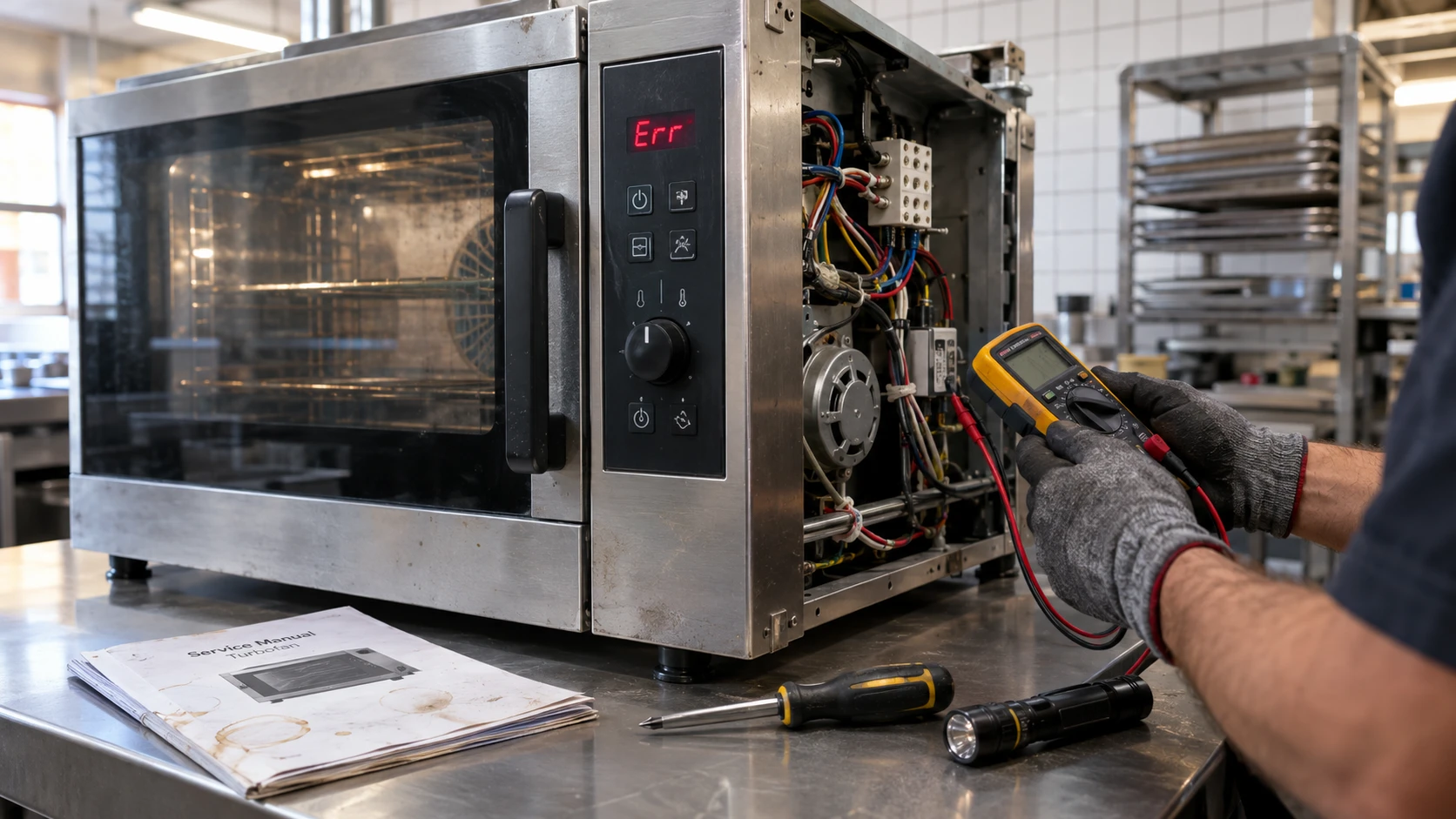
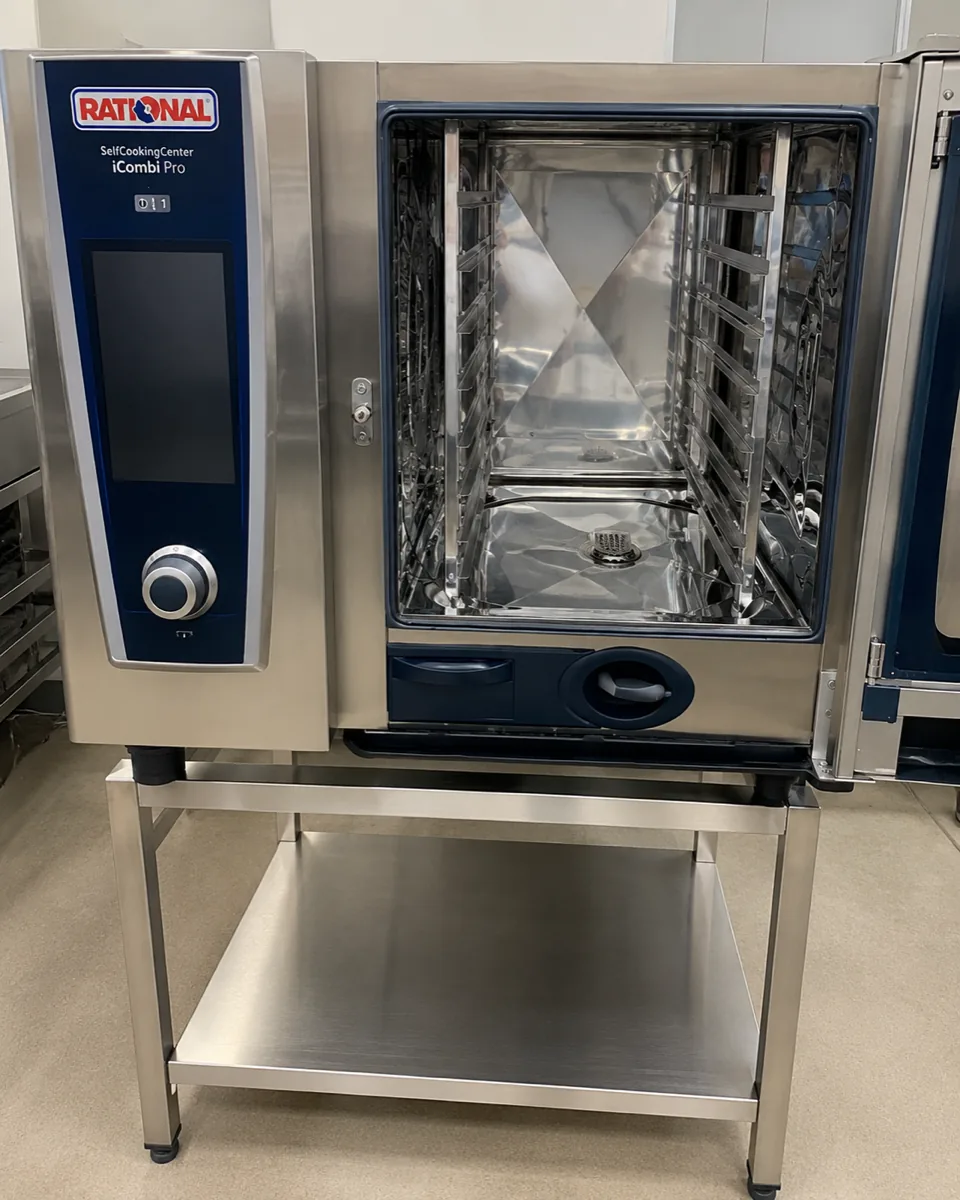
A combi oven is usually the most expensive single item in a commercial kitchen, and when it puts a Service message on the screen mid-prep, production stops with it. Some of those messages you can act on before service. Most you cannot.
Knowing which is which is the whole point of this page. National Appliance Repairs services Rational combi ovens across five capitals, and the difference between a five-minute check and a lost dinner service often comes down to reading the number correctly.
How Rational structures its messages
Rational displays faults as Service (E) followed by a number, and on newer iCombi units a decimal suffix that identifies which sensor or circuit within that group failed. Service 20.1 and Service 20.2 are both thermocouple faults, for example, but on different sensors.
Rational’s own operating instructions are consistent about what to do: for these messages, contact your Rational Service Partner, and have the serial number ready. The company does not present them as owner-fixable.
That said, a handful have upstream causes a kitchen can check first, and those are worth knowing because they are also the ones that recur.
The messages you are most likely to see
| Message | What it names | Kitchen check first? |
|---|---|---|
| Service 10 | Self-clean automatic failed | Yes |
| Service 11 | Water supply to the steam generator failed | Yes |
| Service 12 | Water volume measurement failed | No |
| Service 20.x | Thermocouple fault. The suffix identifies the sensor: cabinet, control valve, humidity or steam generator | No |
| Service 23 | Steam heating control (solid state relay) | No |
| Service 24 | Hot air heating control (solid state relay) | No |
| Service 25 | Insufficient water flow detected during the cleaning cycle | Yes |
| Service 26 | Drain valve not reaching the open position | Sometimes |
| Service 28.1 | Steam generator too hot | Yes, indirectly |
| Service 28.2 | Cooking cabinet too hot | No |
| Service 34.x | Data communication fault on the internal bus | No |
| Service 60 | Gas system failed | No |
The three worth checking before you call
Service 25, and the rack that nobody moved
Service 25 appears during a CleanJet cycle. The oven measures the load on the cavity fan motor: when cleaning water hits the fan, motor demand should rise. If the control board never sees that increase, it reports Service 25.
Rational’s service documentation lists the things to check, and one of them is operational, not mechanical: the position of the GN racks and the mobile oven rack. A trolley or rack left sitting incorrectly can deflect the water and produce this message on a mechanically healthy oven.
The rest of the list is water supply, inlet pressure, hoses and the CDS sensor. Check the rack position and the water supply first. If the message survives both, book it.
Service 10 and 11, and the water behind them
Service 10 is a failed self-clean cycle. Service 11 is a water supply failure to the steam generator. Both point outward at the plumbing before they point inward at the oven.
Check that the isolation valve is open, that the inlet filter is not blocked, that the supply pressure meets the figure in your installation manual, and that the cleaner cartridge is fully seated. Those four take a couple of minutes and they clear a meaningful share of these calls.
Service 28.1, and why it is really a water hardness message
Service 28.1 means the steam generator thermocouple has gone over temperature. The underlying cause is frequently calcification: scale coating the steam heating element, which then cannot transfer heat into the water and instead overheats itself.
This is the one that matters most in Australia. Hard water areas build scale in a Rational far faster than soft water areas do, and Adelaide is the obvious example. A steam generator that is descaled on schedule rarely produces this message. One that has not been descaled in years will produce it repeatedly, and eventually the element fails.
Our guide to how Australian water and climate wear out appliances covers where the hard water regions sit. If your venue is in one, water treatment on the oven supply pays for itself.
Care messages are not Service messages
Worth separating clearly, because they get conflated.
Rational ovens also prompt for cleaning and descaling through the CleanJet and Care system. Those prompts mean the oven wants maintenance. They are part of normal operation, they are addressed by running the cycle with the correct cartridge or tabs, and they are not faults.
Service messages are faults. Ignoring a Care prompt for long enough is one of the reliable ways to eventually generate a Service message, particularly Service 28.1.
What to do when the oven stops mid-service
- Note the exact message, including the decimal suffix. Service 20.1 and Service 20.8 send a technician to different sensors.
- Note the serial number: Rational asks for it, and so will we.
- Check the water supply and rack position if the message is 10, 11 or 25.
- Power cycle once: If the message returns immediately, it is not a transient.
- Do not keep restarting a gas fault: Service 60 stays off until someone qualified attends.
Our commercial combi oven repairs and broader commercial oven service cover Rational across Melbourne, Sydney, Brisbane, Adelaide and Perth. We offer priority scheduling for urgent commercial breakdowns, planned preventative maintenance programs, and service reports with job photography for your records.
Call:
- Melbourne 03 9123 0548
- Sydney 02 9621 5988
- Brisbane 07 3166 9770
- Adelaide 08 7123 4027 or
- Perth 08 9470 4450
– with B2B office support until 6:30 PM weekdays.
We do same-day repairs in Melbourne, Sydney, Brisbane, Adelaide and Perth.
- Melbourne (03) 9123 0548
- Sydney (02) 9621 5988
- Brisbane (07) 3166 9770
- Adelaide (08) 7123 4027
- Perth (08) 9470 4450
Frequently asked questions
What does Service 25 mean on a Rational combi oven?
The oven did not detect the expected water flow during a cleaning cycle. Check the position of the GN racks and mobile rack, then the water supply, pressure and hoses before booking a technician.
What does Service 28 mean on a Rational?
An over-temperature reading. Service 28.1 is the steam generator, Service 28.2 is the cooking cabinet. Scale on the steam heating element is a common cause of 28.1.
Can I reset a Rational Service message myself?
A single power cycle is reasonable. If the message returns straight away it is not transient, and Rational directs these messages to a Service Partner.
Is a Rational Care or CleanJet prompt a fault?
No. Those are maintenance prompts asking you to run a cleaning or descaling cycle. Skipping them repeatedly is how you end up with an actual Service message later.
Why do I need the serial number when I report a fault?
Rational uses it to identify the exact unit generation and software version, which determines what the message means and which part fits. It shortens the diagnosis considerably.
The short version
Rational separates maintenance prompts from faults, and the Service numbers are faults. Three of them (10, 11 and 25) have upstream causes a kitchen can check in a few minutes: water supply, inlet pressure, cartridge seating, rack position. The rest belong to a technician, and Rational says so in its own instructions.
Service 28.1 is the one to read as a warning, not just an event. It usually means scale, and scale is preventable. National Appliance Repairs services Rational combi ovens nationally and offers preventative maintenance programs built around your water conditions. Enquire about commercial services or call your nearest office.