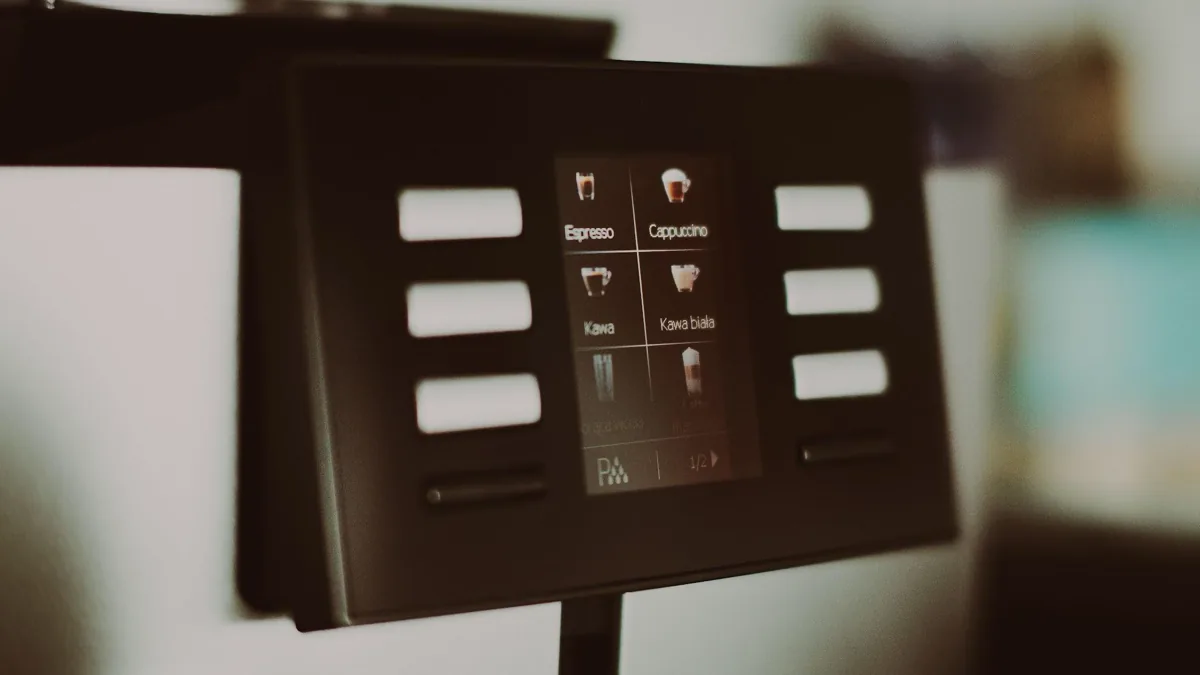

Jura bean-to-cup machines talk to you in plain words: fill the water tank, empty the grounds, fill the beans. Almost everything on that list is routine. A handful of messages starting with ERROR are not.
Jura’s own instruction manuals separate the two clearly. National Appliance Repairs services Jura coffee machines across Melbourne, Sydney, Brisbane, Adelaide and Perth.
The everyday messages
| Message | What it means | What to do |
|---|---|---|
| Fill water tank | The water tank is empty | Fill it and push it fully back in |
| Empty grounds / Empty drip tray | The coffee grounds container is full | Empty the grounds container and the drip tray |
| Fill bean container | The bean container is empty | Add beans |
| Cleaning prompt | The machine is due for its cleaning program | Run the cleaning program with a Jura cleaning tablet |
| Descaling prompt | The machine is due for descaling | Run the descaling program |
Jura’s manuals walk through each of these, and none of them is a fault. The machine will refuse to make coffee until the condition is cleared, which can look like a breakdown when it isn’t.
The grounds container: do it with the machine on
Empty the grounds container while the machine is switched on. The machine keeps count of how many coffees have been made since the container was last emptied, and it registers the emptying when you take the container out. Empty it with the machine off and the count isn’t reset, so the message comes straight back.
Empty the drip tray at the same time. Jura’s message covers both, and the manual has you empty them together.
When “Fill water tank” won’t go away
If the tank is full and the message stays:
- Push the tank fully home. A tank sitting slightly high won’t register.
- Check the water is clean and cold. Jura machines are designed for fresh, cold water.
- Check the filter, if fitted. A Jura water filter that has been in too long, or wasn’t inserted correctly, can affect how water reaches the machine. Follow your manual to refit or replace it.
If it persists after all three, the tank sensor or the water system needs a technician.
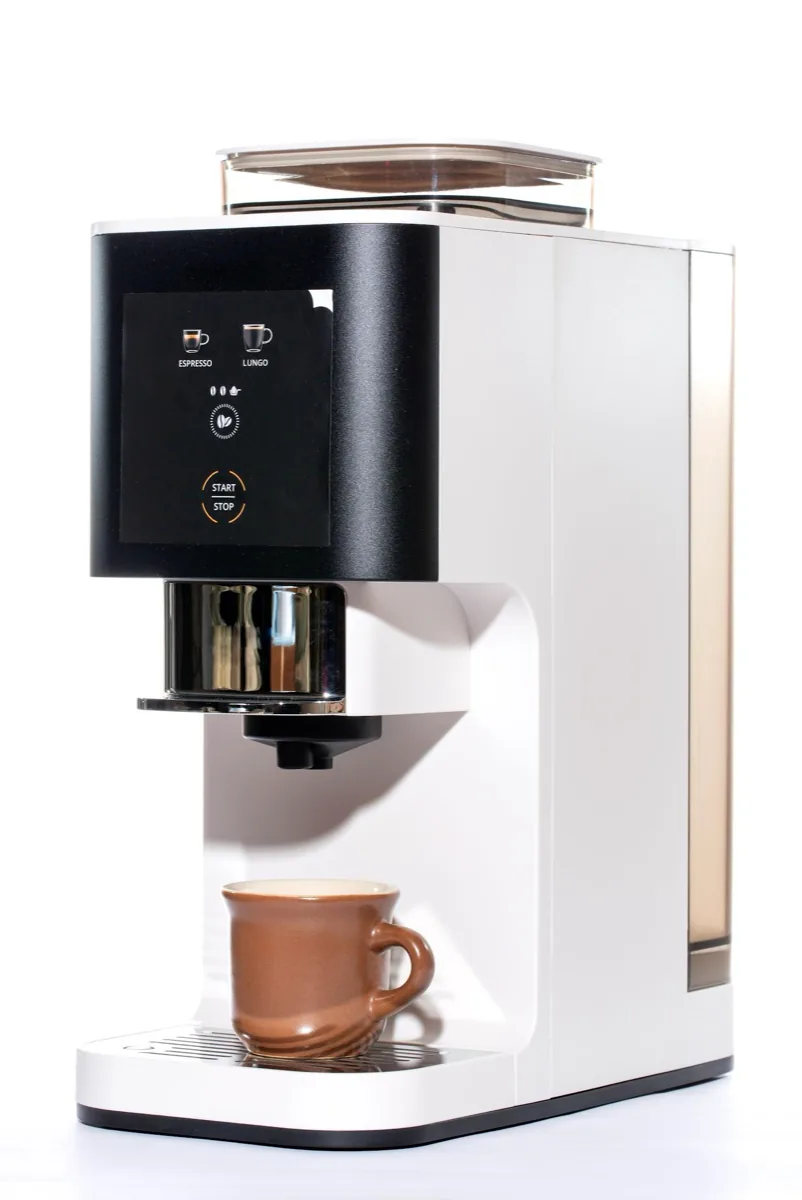
ERROR 2 and ERROR 5: usually the cold
Jura’s troubleshooting tables list ERROR 2 and ERROR 5 together. The cause commonly given is that the machine has been exposed to cold for a long time, and the heating has been blocked for safety.
The fix is to let the machine warm up to room temperature before switching it on. A machine moved out of a cold car, stored in a cold room, or delivered on a winter morning is the classic case. If it still shows the error once it is properly warm, it needs service.
Other ERROR messages
For any other ERROR message, Jura’s instruction is to switch the machine off and contact Jura customer service. These point to internal faults, such as in the brewing unit, heating system or electronics, that owners can’t fix.
Before you call:
- Note the exact message, including the number.
- Switch off, wait, and switch on once. If the error returns straight away, it isn’t transient.
- Don’t keep restarting it. Repeated attempts with a brewing unit fault can make the problem worse.
Why cleaning and descaling prompts matter
It’s tempting to keep pressing past a cleaning or descaling prompt while the coffee still tastes fine. The prompts exist because coffee oils and limescale build up inside where you can’t see them.
Limescale in particular restricts water flow and makes the heating system work harder. How quickly it builds depends on your water hardness and whether a filter is used. Our guide to Australian water and appliances explains where the hard water areas are.
Use the cleaning and descaling products Jura specifies for your machine, and run each program all the way through.
When to book
Book on any ERROR message other than a cold-machine ERROR 2 or 5 that clears once warm. Book too on a routine message that won’t clear with the condition fixed, coffee coming out in drops after a descale, leaks from underneath, or a grinder that runs with no beans moving.
Our coffee machine repair service covers Jura across all five capitals, with upfront quoting and a 12-month parts warranty with a 3-month labour warranty. For Jura machines in cafés and offices, see our commercial coffee machine repairs. If your machine is still under its Jura warranty, contact Jura first.
Call:
- Melbourne 03 9123 0548
- Sydney 02 9621 5988
- Brisbane 07 3166 9770
- Adelaide 08 7123 4027 or
- Perth 08 9470 4450
Tell us the model and the exact message.
Other brands in the same category: our guides to De’Longhi alarm lights and Breville Barista Express lights.
Frequently asked questions
What does ERROR 2 mean on a Jura?
Jura’s troubleshooting lists it alongside ERROR 5. The common cause is that the machine has been in the cold and its heating is blocked for safety. Let it warm to room temperature. If it persists, contact service.
Why does my Jura keep saying “Empty grounds” after I emptied it?
Usually because it was emptied with the machine switched off, so the count wasn’t reset. Empty it again with the machine on.
Why won’t “Fill water tank” clear on my Jura?
Check the tank is pushed fully home and the filter, if fitted, is correctly inserted. If it persists, the sensor needs checking.
What should I do with other Jura ERROR messages?
Switch the machine off and contact customer service, as Jura’s instructions say. Note the exact message first.
Are Jura cleaning and descaling messages faults?
No. They are maintenance prompts. Run the programs with the products Jura specifies.
The short version
Most Jura messages are routine: water, beans, grounds, cleaning and descaling. Empty the grounds with the machine on. ERROR 2 and ERROR 5 commonly mean the machine is too cold, so let it warm up.
Any other ERROR message is a job for a technician. National Appliance Repairs services Jura coffee machines across five capitals with upfront quoting. Book online or call your nearest office.
Sources to link at publish: Jura instruction manual for the customer’s model, “Display messages” and “Troubleshooting” sections (the X10 manual was used as the reference; confirm the AU product page link at publish)