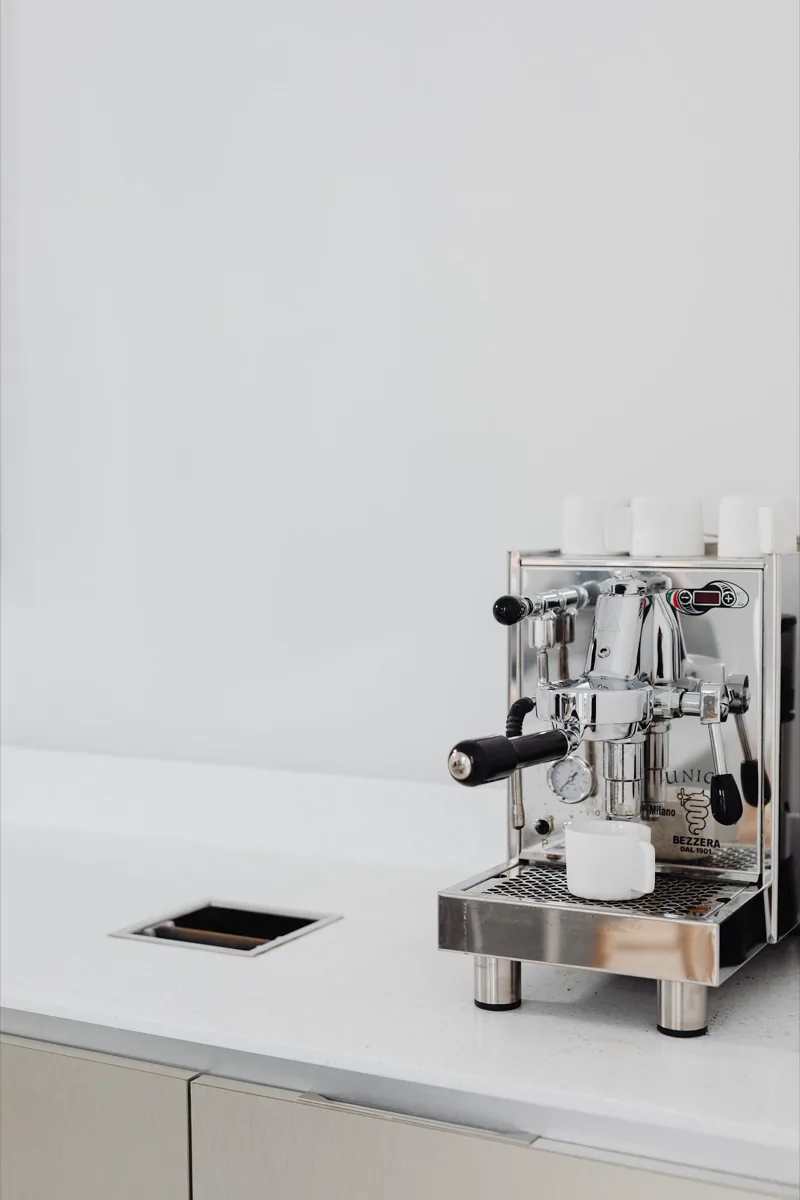

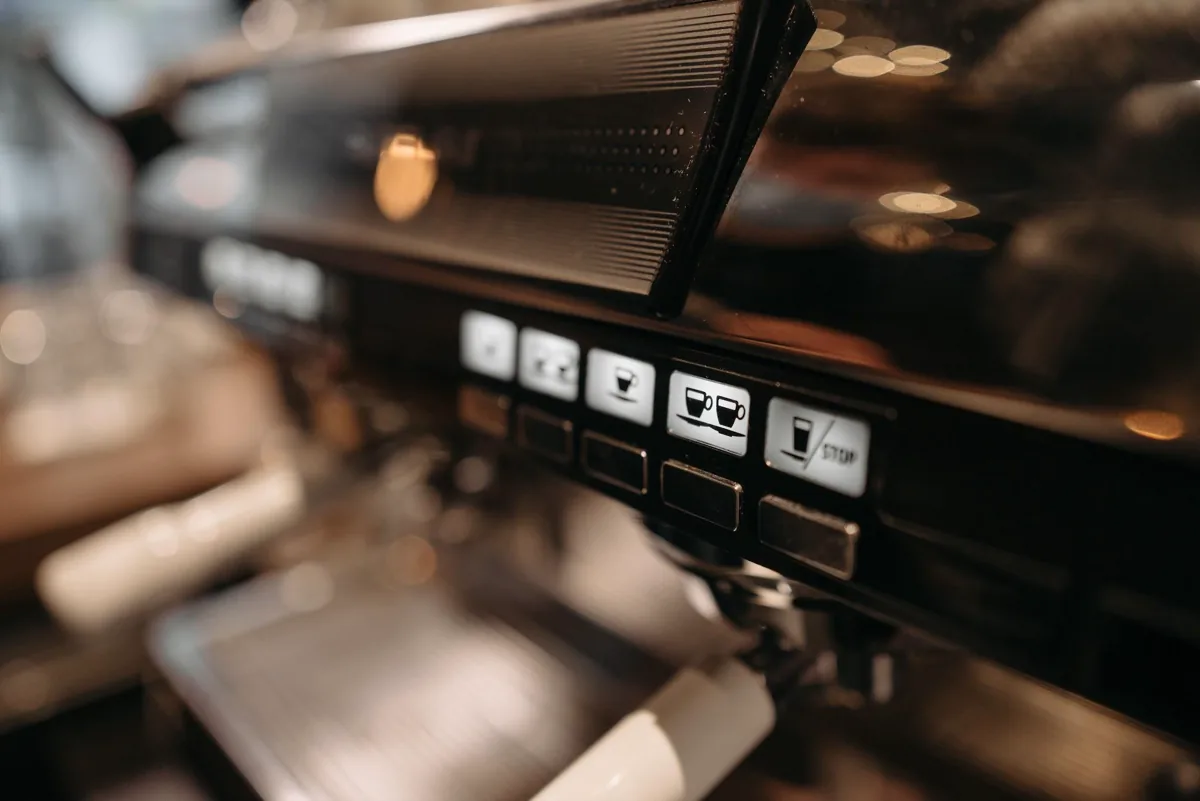
The Breville Barista Express doesn’t have an error screen. It has a row of button lights, and whether a light is flashing or solid changes what it means entirely.
The light that confuses everyone is CLEAN / DESCALE. It covers two different jobs, and doing the wrong one is why so many people descale their machine and find the light still on. National Appliance Repairs services Breville coffee machines across Melbourne, Sydney, Brisbane, Adelaide and Perth. This guide follows Breville’s own Australian and New Zealand instruction books.
CLEAN / DESCALE: flashing or solid?
Breville’s instruction book is direct on this:
- Flashing means a cleaning cycle is required.
- Solid means descaling is required.
They are different procedures. The cleaning cycle back-flushes the brewing path with a cleaning tablet to remove coffee oils. Descaling runs a dissolved descaling solution through the water system to remove limescale.
If the light was flashing and you descaled, it will keep flashing, because the machine is still waiting for its cleaning cycle. That one mix-up accounts for most “my descale light won’t turn off” problems.
| Light | What it means | What to do |
|---|---|---|
| CLEAN / DESCALE flashing | Cleaning cycle required | Run the cleaning cycle with the cleaning disc and a cleaning tablet |
| CLEAN / DESCALE solid | Descaling required | Run the descale program with Breville descaling powder |
| FILTER SIZE lights flashing | The bean hopper is not attached correctly | Remove the hopper, check for debris, and lock it back in |
| POWER light flashing at switch-on | The machine is heating up | Wait until the lights are steady |
Running the cleaning cycle
Use the cleaning disc and a cleaning tablet in the filter basket, lock the portafilter in, and start the cleaning cycle using the button sequence in your instruction book. The machine back-flushes on its own. When it finishes, the flashing light clears.
Descaling
Breville’s instructions for the Barista Express Impress, for example, are to fully dissolve one sachet of Breville descaling powder in 1 litre of water, fill the tank, and then, with the machine off, press and hold the 2 CUP and POWER buttons together for about 5 seconds to enter descale mode. The machine then guides you through descaling the coffee, steam and hot water paths.
Two points worth getting right:
- Run every stage. The descale isn’t finished until the steam and hot water outlets have been done and the machine has been rinsed through.
- Use the right product. Breville’s book specifies its own descaling powder.
FILTER SIZE lights flashing
On the Barista Express, Breville’s troubleshooting table says flashing FILTER SIZE lights mean the bean hopper is not attached correctly. Remove the hopper, check for beans or debris caught under it, and lock it back into position.
It’s a safety interlock. The grinder won’t run with the hopper loose, which is why the machine seems dead at the grinder.
Why descaling matters more in some cities
Limescale is the reason the solid light comes on, and how fast it builds depends on your water. Breville’s instruction book notes that changing the water filter every two months reduces how often the machine needs descaling, and suggests changing it more often in hard water areas.
Adelaide and parts of Perth and Brisbane have harder water than Melbourne or Sydney. Our guide to Australian water and appliances explains where.
Breville’s troubleshooting table lists “machine needs to be descaled” as a cause behind several symptoms, including weak flow and coffee not extracting properly. A machine that has been ignoring a solid light for months often shows those signs first.
When it’s more than a light
The lights cover routine care. These need a technician:
- No lights at all, after checking the power point and the switch
- The machine heats but no water comes through, with a full tank and a recent descale
- Water leaking from underneath the machine
- The grinder runs but nothing comes out, with the hopper locked and beans in it
- A burning smell, or the power tripping
Our coffee machine repair service covers Breville espresso machines across all five capitals, with upfront quoting and a 12-month parts warranty with a 3-month labour warranty. If your machine is still under its Breville warranty, contact Breville first.
Call:
- Melbourne 03 9123 0548
- Sydney 02 9621 5988
- Brisbane 07 3166 9770
- Adelaide 08 7123 4027 or
- Perth 08 9470 4450
Tell us the model, and which lights are on, flashing or off.
If you also have a bean-to-cup machine, our guides to Jura messages and De’Longhi alarm lights cover those.
Frequently asked questions
What does a flashing CLEAN / DESCALE light mean on a Barista Express?
A cleaning cycle is required. Run the back-flush cleaning cycle with the cleaning disc and a tablet, not a descale.
What does a solid CLEAN / DESCALE light mean?
Descaling is required. Run the descale program with Breville descaling powder dissolved in water.
Why won’t my Breville descale light turn off after descaling?
Most often because the light was flashing, which asks for a cleaning cycle, not a descale. Run the cleaning cycle. Otherwise, make sure every stage of the descale was completed.
Why are the FILTER SIZE lights flashing on my Breville?
Breville says the bean hopper is not attached correctly. Remove it, clear any debris and lock it back in place.
How do I enter descale mode on a Breville Barista Express Impress?
With the machine off, press and hold the 2 CUP and POWER buttons together for about 5 seconds, as Breville’s instruction book describes.
The short version
On a Barista Express, flashing CLEAN / DESCALE means clean, and solid means descale. Mixing those up is the most common reason the light won’t go out. Flashing FILTER SIZE lights mean the hopper isn’t locked in.
Everything else, like no power, no water flow or leaks, is a job for a technician. National Appliance Repairs services Breville coffee machines across five capitals with upfront quoting. Book online or call your nearest office.
Sources to link at publish: Breville, the Barista Express instruction book BES870 (ANZ edition, assets.breville.com) · Breville, the Barista Express Impress instruction book BES876 (ANZ edition)