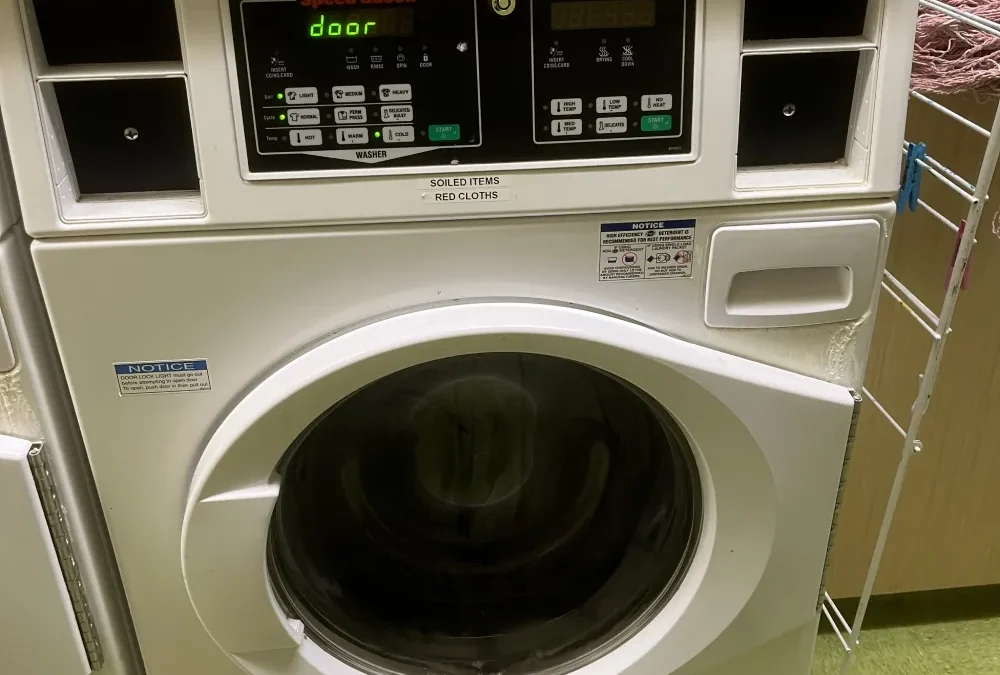
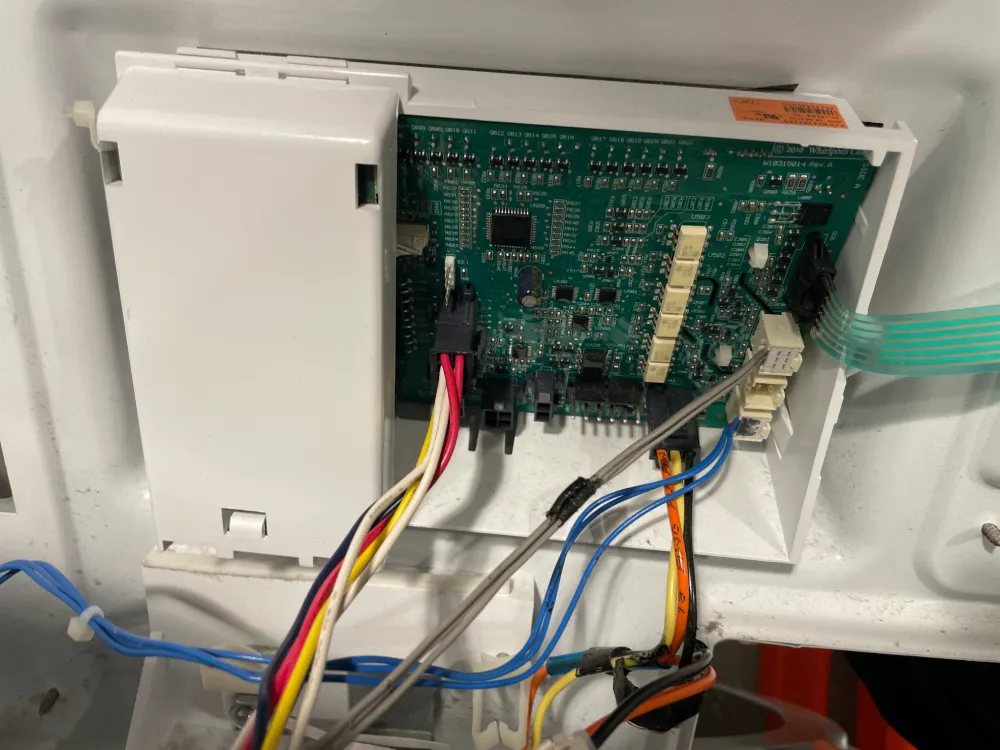
Samsung washing machines are fairly upfront about what's gone wrong, at least compared to some brands. A short code shows up on the display, and once you know what it's actually telling you, most faults are quick to narrow down.
National Appliance Repairs field a lot of calls about the 4C code specifically, so we'll start there, then work through the other common ones based on Samsung's own troubleshooting documentation.
Same-day appointments available
Need This Fixed Today?
Our licensed technicians repair this exact fault every week – fast, reliable, and backed by a workmanship guarantee.
A Comprehensive List of Common Samsung Error Codes
4C (and 4E): Water Supply Problem
The 4C error, sometimes displayed as 4E depending on the model, means the washer isn't getting enough water during the fill stage. It's a water supply issue, not usually a fault with the machine's internal components.
Start with the basics. Check both hot and cold taps are turned fully on, and that the supply hoses aren't kinked or pinched anywhere behind the machine. Samsung's own guidance points to the small mesh filters where the hoses connect to the machine as a common culprit, since mineral deposits and sediment build up in them over time and restrict flow enough to trigger the code. These filters are worth cleaning roughly twice a year even if you're not seeing the error, simply as routine maintenance.
If the taps are fully open, the hoses are clear, and the filters are clean, and 4C is still showing, the water inlet valve itself may be faulty. That's a part replacement, not a cleaning job.
5E (or 5C): Drainage Problem
The counterpart to 4C on the other end of the cycle. A 5E or 5C code means the machine isn't draining at the expected speed, or isn't draining at all. Incorrect drain hose installation is, by Samsung's own account, the most common reason for this, more often than an actual mechanical fault.
Check the drain hose is routed at the correct height, generally between 60 and 90 centimetres, and that it isn't kinked or crushed anywhere along its length. Clean the debris filter on front-loading models too, since lint and small debris trapped there restricts drainage in much the same way a blocked dishwasher filter does.
OE, OC: Overflow Errors
This code means the washing machine thinks there's too much water in the drum, which can point to an actual overflow, or simply a level sensor reading incorrectly. Check the machine is level, confirm the drain hose height and condition, and clean the debris filter on front-loaders before assuming the sensor itself has failed.
UE, Ub: Unbalanced Load
The load is too heavy on one side, or generally unbalanced in the drum. On top-loaders, pause the cycle and redistribute the load by hand before restarting. On front-loaders, the spin button generally lets the machine drain and unlock the door so you can access and rearrange the load. If that doesn't respond, Samsung's guidance covers an emergency drain procedure for front-loaders that won't otherwise unlock.
dE, dE1: Door Errors
The door sensor believes the machine is running with the door not properly closed. Check nothing's caught in the door or the seal, close it firmly, and restart. If the code persists and you're confident the door is genuinely shut properly, this usually points to a door lock or sensor fault that needs a technician.
SUd, 5Ud: Excessive Suds
The machine has detected more suds than it can manage and will generally pause until they settle. This one's almost always a detergent issue rather than a mechanical fault, particularly when regular detergent is used instead of a High Efficiency formula in a front-loader or HE-rated machine.
tE, HE, HC: Temperature Sensor Faults
This points to a problem with the sensor reporting water temperature, rather than the heating element itself in most cases. A power reset, off for two to three minutes then restart, clears a fair number of these. If it keeps returning, it's worth having a technician confirm whether it's the sensor or something further along the wiring.
Quick Reference Table
Code
Category
What It Usually Means
4C, 4E
Water supply
Not filling properly. Check taps, hoses, inlet filters
5E, 5C
Drainage
Not draining at expected speed. Check hose height and filter
OE, OC
Overflow
Too much water detected, or a faulty sensor
UE, Ub
Unbalance
Load bunched on one side, needs redistributing
dE, dE1
Door
Door not detected as fully closed
SUd, 5Ud
Excessive suds
Too much detergent, especially non-HE formula
tE, HE, HC
Temperature
Sensor fault reporting water temperature
PF, UC, 3E
Power or motor
Power interruption or motor-related fault
What You Can Check Yourself
For water supply codes, check both taps are fully open and the hoses aren't kinked
Clean the inlet mesh filters where the hoses connect to the machine, roughly twice a year
For drain codes, check the hose height and clear any visible debris from the filter
For unbalance codes, redistribute the load by hand rather than assuming a fault
Try a power reset for most codes: switch off at the wall, wait a few minutes, then restart
When It's Worth Calling a Technician
A code that clears after the basic checks and doesn't return is usually the end of it. A code that keeps coming back after you've confirmed the taps, hoses, filters, and load balance are all fine points toward an actual component fault, whether that's an inlet valve, a drain pump, a door lock mechanism, or a sensor. Guessing at a part replacement without confirming the actual fault first tends to cost more than getting it diagnosed properly the first time.
National Appliance Repairs technicians work on Samsung washing machines regularly, and carry genuine inlet valves, drain pumps, door locks, and sensors for washing machine repairs across the range. If your machine won't respond at all rather than showing a specific code, our guide on washing machines that won't turn on covers that separately. Every repair comes with a 12-month parts warranty and 3-month labour warranty.
Frequently Asked Questions
What does the 4C error mean on a Samsung washing machine?
It means the machine isn't receiving enough water during the fill stage. Most often it's a tap not fully open, a kinked hose, or a blocked inlet filter, though a faulty inlet valve is possible if those all check out fine.
Is 4C the same as 4E?
Yes. Different Samsung models display one or the other, but they indicate the same underlying water supply problem, and the troubleshooting steps are identical either way.
What's the difference between 4C and 5C error codes?
4C relates to water coming into the machine during fill. 5C relates to water going out during drain. They sit at opposite ends of the cycle and point to different components.
Why does my Samsung washer show a UE code partway through spinning?
The load's unevenly distributed in the drum, usually from a single heavy item like a doona or a mixed load of very different weights. Redistribute by hand and restart rather than assuming a mechanical fault.
What does it cost to fix a Samsung washing machine showing an error code?
It depends entirely on the code and what's actually causing it. A filter clean costs nothing. An inlet valve, drain pump, or door lock replacement is a bigger job. Call 1300 434 380 for a ballpark before booking.
The Bottom Line
Most Samsung error codes point to something checkable in a few minutes: a tap, a hose, a filter, or an unbalanced load. If you've worked through the basics for your specific code and it keeps coming back, contact National Appliance Repairs or call 1300 434 380 for a same-day assessment, subject to availability, across Melbourne, Sydney, Brisbane, Adelaide, and Perth.
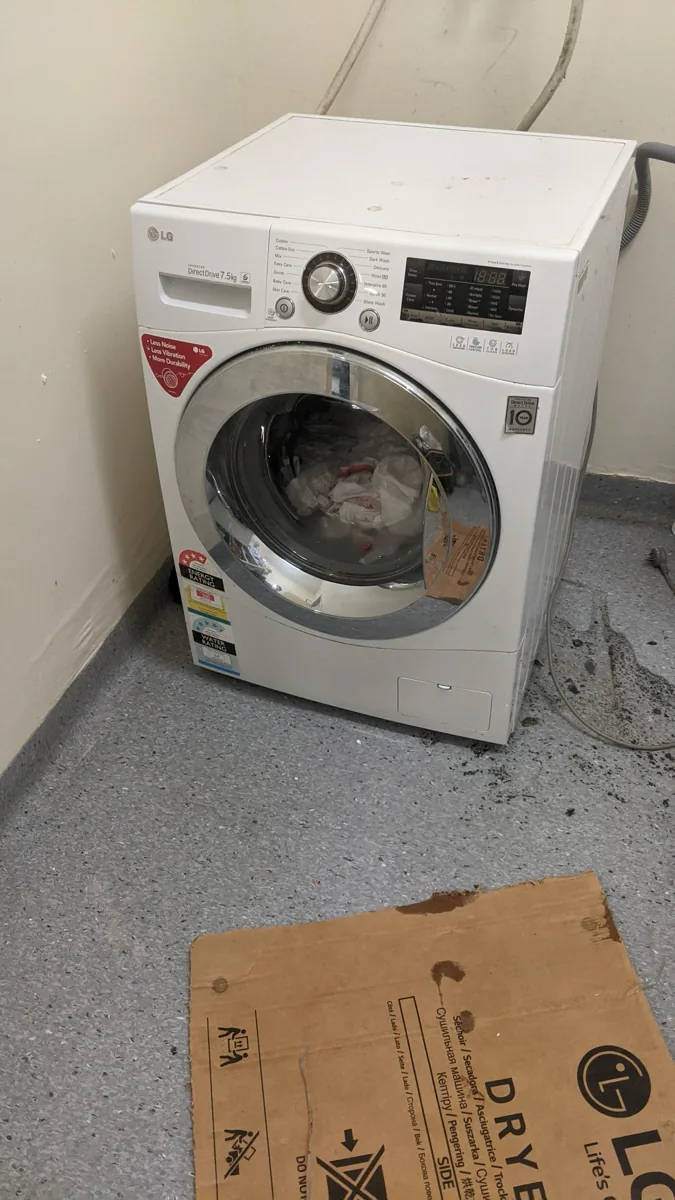
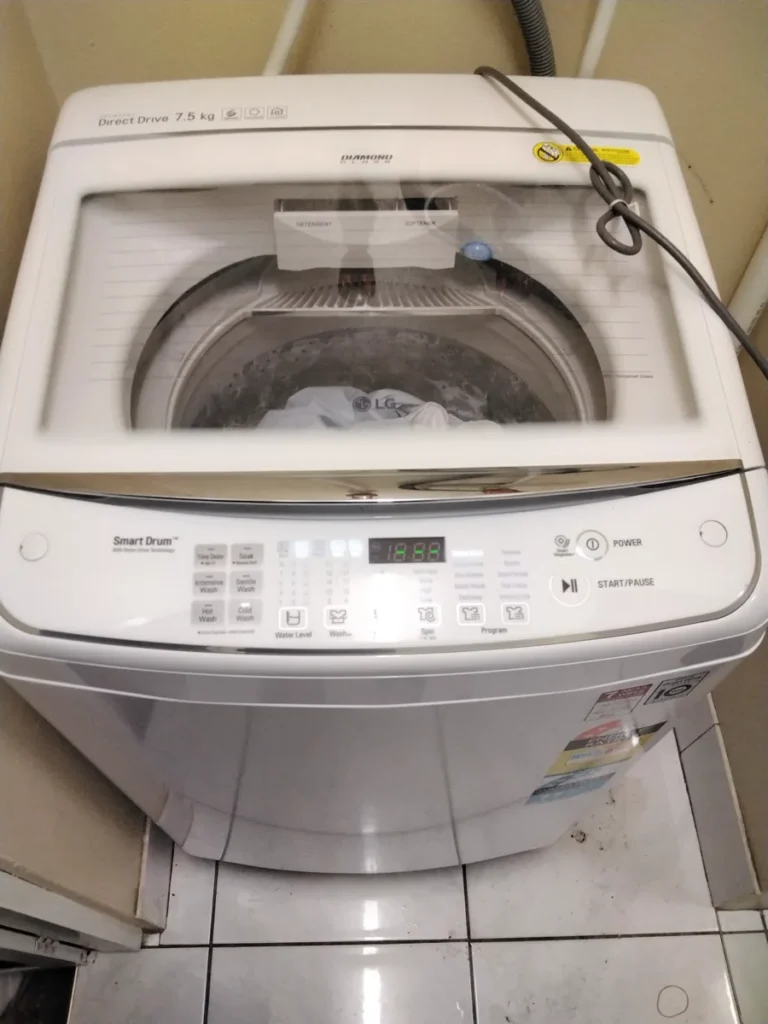
LG washing machines run a self-diagnosis system in the background during every cycle, and when something doesn't check out, a short code shows up on the display rather than the machine just quietly stopping. That's genuinely useful once you know what each code is telling you.
Here's what the common ones (according to our experience at National Appliance Repairs) mean, based on LG's own support documentation, and what's worth checking before deciding it needs a technician.
Same-day appointments available
Need This Fixed Today?
Our licensed technicians repair this exact fault every week – fast, reliable, and backed by a workmanship guarantee.
This is the most common code by a fair margin. It means the washing machine can't drain the water used during the cycle. LG's own troubleshooting points to two usual suspects: a kinked drain hose, or a clogged drain pump filter.
Check behind the machine first. The drain hose needs to run without being pinched or bent sharply anywhere along its length. If that's clear, the drain pump filter, generally accessed from a small panel at the front base of the machine, is the next place to look. Clean it out and run a spin cycle to confirm the code's actually cleared rather than just reset. If OE comes back after both checks, it's worth having a technician look at the pump itself.
IE (also E02 or E10): Water Inlet Error
The tub isn't filling to an adequate level within the time the machine expects. A few common causes: the tap's turned off, the supply hose isn't properly connected, or the hose is kinked or bent somewhere along its run. In colder months, a frozen water pipe or supply hose is also worth ruling out, particularly if the machine's in an unheated laundry or garage.
Check the tap is fully open and the hose is properly connected and unkinked. If all of that checks out and the fill is still slow or incomplete, the water inlet valve itself may be the fault, which needs a technician to confirm and replace.
UE, Ub: Unbalance Error
The load has bunched up on one side of the drum, which the machine detects and stops rather than risk excessive vibration during spin. Large single items, such as sheets, doonas, or blankets washed alone, are a common trigger, since there's nothing else in the drum to balance the weight. Mixing very different item types, like jeans with lightweight t-shirts, has a similar effect.
Redistribute the load by hand, and where possible use a dedicated bedding or blanket cycle for large single items rather than the standard cotton cycle. After the tub fills, pressing the laundry down to make sure it's properly submerged also helps avoid this on some loads.
dE, dE1, dE2: Door Errors
A dE code means the door was unable to lock properly, and it often clears with a simple reset: unplug or switch off at the breaker, hold the start/pause button for around five seconds with the power off, then restore power and try again.
dE1 specifically indicates the door isn't closing properly, frequently because laundry has caught between the door and the rubber door seal rather than an actual fault with the lock mechanism. It's worth checking the door and gasket for anything trapped before assuming it's a hardware problem.
tE: Heating Error
This usually points to a faulty thermistor, the sensor responsible for monitoring water temperature during the wash. If the error shows mid-cycle, powering off, letting the water cool, then draining and restarting is the standard first step. If tE keeps returning after that, the thermistor itself likely needs replacing.
PF: Power Failure
This simply means the power supply to the washer was interrupted mid-cycle, generally from an outage rather than a fault in the machine itself. If it persists without any actual power interruption having occurred, that points to something wrong with the unit's power handling rather than the mains supply, and it needs a technician to look at.
Quick Reference Table
Code
Also Shown As
What It Usually Means
OE
E03, E21
Can't drain. Check hose kinks and pump filter
IE
E02, E10
Not filling. Check tap, hose, possible frozen line
UE, Ub
--
Unbalanced load. Redistribute by hand
dE
--
Door failed to lock. Try power reset
dE1
--
Door not closing properly. Check for trapped laundry
tE
--
Heating/thermistor fault. Check after cooling
PF
--
Power interruption during cycle
What You Can Check Yourself
For OE codes, check the drain hose for kinks and clean the drain pump filter
For IE codes, confirm the tap is fully open and the hose isn't frozen or kinked
For UE codes, redistribute the load and avoid washing single large items alone
For dE codes, check nothing's caught in the door or gasket, then try a power reset
For most codes, a full power cycle, off at the breaker for a couple of minutes then back on, clears a temporary glitch before you need to assume a hardware fault
When It's Worth Calling a Technician
A code that clears with a basic check and doesn't come back generally means that was the actual cause. A code that returns after you've confirmed the obvious things, the hose, the tap, the load balance, the door, points toward an actual component fault: a pump, an inlet valve, a door lock assembly, or a thermistor. These are all straightforward repairs for someone who works on LG machines regularly, but guessing at which part to replace without confirming the fault first tends to be an expensive way to find out you guessed wrong.
National Appliance Repairs technicians work on LG washing machines regularly, and carry genuine drain pumps, inlet valves, door locks, and thermistors for washing machine repairs across the range. If your machine isn't showing a code at all and simply won't respond, our guide on washing machines that won't turn on covers that separately. Every repair comes with a 12-month parts warranty and 3-month labour warranty.
Frequently Asked Questions
What does the OE code mean on an LG washing machine?
It means the machine can't drain the water from the current cycle. Most often it's a kinked drain hose or a clogged drain pump filter, both worth checking before assuming the pump itself has failed.
Why does my LG washer show IE during winter specifically?
Cold weather can freeze the water supply hose or the pipe feeding it, which stops water reaching the machine within the expected time and triggers the code. Once the line thaws, it typically fills normally again.
What's the difference between dE and dE1 on an LG front-loader?
dE means the door failed to lock. dE1 more specifically indicates the door isn't closing fully in the first place, often because something's caught between the door and the rubber seal rather than a lock mechanism fault.
Can I fix a UE unbalance error myself?
Yes, in almost every case. Pause the cycle, redistribute the load by hand so weight isn't bunched on one side, and restart. Washing large single items like doonas on their own is a common trigger worth avoiding where possible.
What does it cost to fix an LG washing machine showing an error code?
It depends entirely on the code and the actual cause. A hose or filter clean costs nothing. An inlet valve, drain pump, or thermistor replacement is a bigger job. Call 1300 434 380 for a ballpark before booking.
The Bottom Line
LG's codes are genuinely useful once you know what each one's pointing at: OE for drainage, IE for fill, UE for balance, dE for the door, tE for temperature. Work through the relevant check for your code first. Still showing after that? Get in touch with National Appliance Repairs or call 1300 434 380 for a same-day assessment, subject to availability, across Melbourne, Sydney, Brisbane, Adelaide, and Perth.
Open the door at the end of a cycle and there's a pool of grey water sitting in the bottom. Dishes still dirty, maybe a bit of a smell starting already. A Miele dishwasher not draining is one of the more common faults we see at National Appliance Repairs, and the good news is most cases come down to one of a small handful of causes, several of which don't need a technician at all.
Here's where to look, in the order that actually finds the problem fastest.
Start With the Filter
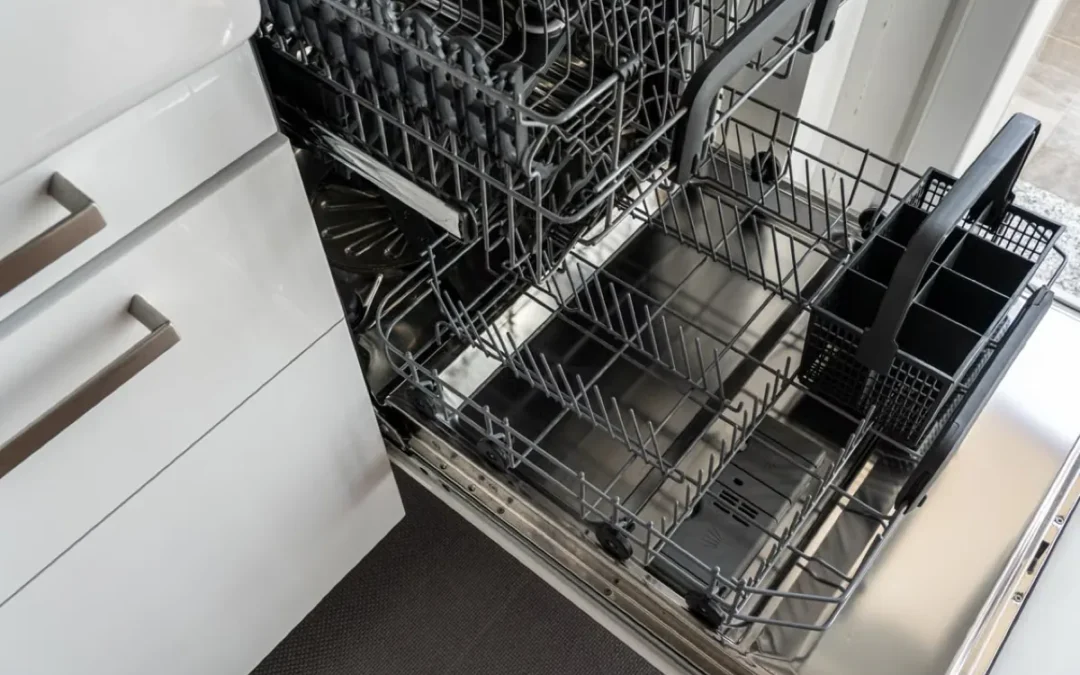
The filter assembly sits at the base of the tub, right under the lower spray arm. It's the most common cause of drainage problems by a wide margin. Most Miele models split it into two parts: a coarse filter for larger scraps, a fine mesh underneath for grease and smaller bits. Leave it a few months and that fine mesh clogs enough to choke water flow before anything actually breaks.
Pull the bottom rack, twist the assembly to unlock it, rinse both parts under hot water. Soft brush beats plain water for stuck-on grease. Anything really baked on, soak it in warm soapy water for ten minutes first.
If the Filter's Clean, Check the Disposal or Drain Line
If your Miele drains through a garbage disposal, run the disposal for a bit longer than usual before starting a cycle, since food scraps sitting in the disposal chamber block the same shared drain path. Newly installed disposal units sometimes still have a knockout plug in place blocking the dishwasher connection entirely. Worth confirming that's out.
If your dishwasher drains into a standpipe instead, check that the hose hasn't kinked behind the machine and that it's still properly connected at both ends.
The Drain Pump and Non-Return Valve
Rule out the filter and the disposal or drain line and the next place to look is the drain pump itself, located underneath the non-return valve. The most common issue here is an obstructed pump impeller, the small fan-like part that spins to force water out. Broken glass, fruit pits, and bits of crockery are the usual culprits. Some water pooling back out when you check this is normal and not a sign of anything worse.
The non-return valve sits just above the pump and stops drained water flowing back into the tub. If it's stuck, cracked, or sitting slightly out of place, drainage suffers even with a perfectly good pump underneath it.
Some Models Will Show You a Code
Some Miele dishwashers flash a drain indicator or throw an F11 code for this, and it usually means water's sitting in the base pan rather than the tub itself. Not every model shows it this way though, and the display varies across the range.
Different flash pattern on yours? Owner's manual is the fastest way to confirm what it actually means.
Quick Reference: Symptom to Likely Cause
Symptom
Likely Cause
DIY or Technician?
Standing water, dishes still dirty
Clogged filter
DIY, five-minute clean
Gurgling or humming during drain
Pump impeller obstruction
DIY to check, technician if damaged
Drains fine without disposal, backs up when connected
Disposal blockage or leftover knockout plug
DIY
Water backs up after filter and hose are confirmed clear
Faulty drain pump motor or non-return valve
Technician
F11 or flashing drain light showing
Water detected in base pan
Technician, to find the source
What You Can Check Yourself
Remove and clean both filter components, weekly if you use the dishwasher daily
Run the garbage disposal before starting a cycle if the two share a drain
Check the drain hose isn't kinked, crushed, or sitting at an awkward angle behind the machine
Look at the pump impeller for visible obstructions once the filter's out of the way
Reset the dishwasher by powering it off for a minute, then run a short cycle to see if it clears on its own
When It's Time to Call Someone
A blocked filter or a stray bit of glass in the impeller is a fair DIY job. A failed pump motor, a damaged non-return valve, or a control board that isn't sending power to the pump at all is a different matter, and neither is something worth guessing at with a high-end appliance. Stagnant water left sitting in the tub for days breeds mould and can damage the pump seals over time, so it's worth acting on rather than working around with a mop and a prayer.
National Appliance Repairs technicians work on Miele dishwashers regularly across dishwasher repairs, and carry genuine filters, pumps, and non-return valves for the range, so most drainage faults get sorted in a single visit. Every repair comes with a 12-month parts warranty and 3-month labour warranty.
Keeping It From Happening Again
Scrape plates before loading rather than relying on the dishwasher to handle large food scraps
Clean the filter on a schedule rather than waiting for a problem to force the issue
Avoid putting anything with bones, fruit pits, or glass fragments in without checking they're fully cleared away first
If you're on a shared drain with a garbage disposal, run it briefly before every dishwasher cycle, not just when there's already a problem
Frequently Asked Questions
Why is my Miele dishwasher leaving water in the bottom?
Almost always the filter first, followed by a blocked disposal connection or drain hose, then the pump impeller if those check out clean. Work through them in that order and you'll usually find it within a few minutes.
Is it safe to run the dishwasher again with water sitting in it?
Better not to. Standing water sits against the pump seals and can encourage mould, and running another cycle on top of it doesn't fix the underlying blockage. Clear the cause first.
What does the F11 code mean on a Miele dishwasher?
On models that display it, F11 generally points to water detected in the base pan under the tub rather than the tub itself, which usually means a leak or overflow rather than a simple drain blockage. It's worth a technician confirming the actual source rather than just clearing the code.
Can I fix a Miele drain pump myself?
Clearing an obstruction from the pump impeller is a reasonable DIY task once the filter's out of the way. Replacing the pump motor or the non-return valve is more involved and best left to someone who works on these machines regularly.
How much does it cost to fix a Miele dishwasher that won't drain?
Depends entirely on the cause. A filter clean costs nothing but time. A pump or non-return valve replacement is a bigger job. Call 1300 434 380 for a free phone consultation and ballpark pricing before booking.
The Bottom Line
Filter, disposal or hose, then the pump. Work through those three in order and you'll solve the overwhelming majority of Miele drainage faults without calling anyone. Still sitting there after that? Get in touch with National Appliance Repairs or call 1300 434 380 for a same-day assessment, subject to availability, across Melbourne, Sydney, Brisbane, Adelaide, and Perth.
Two of the more popular dishwasher brands in Australian kitchens, and two quite different ways of telling you something's wrong.
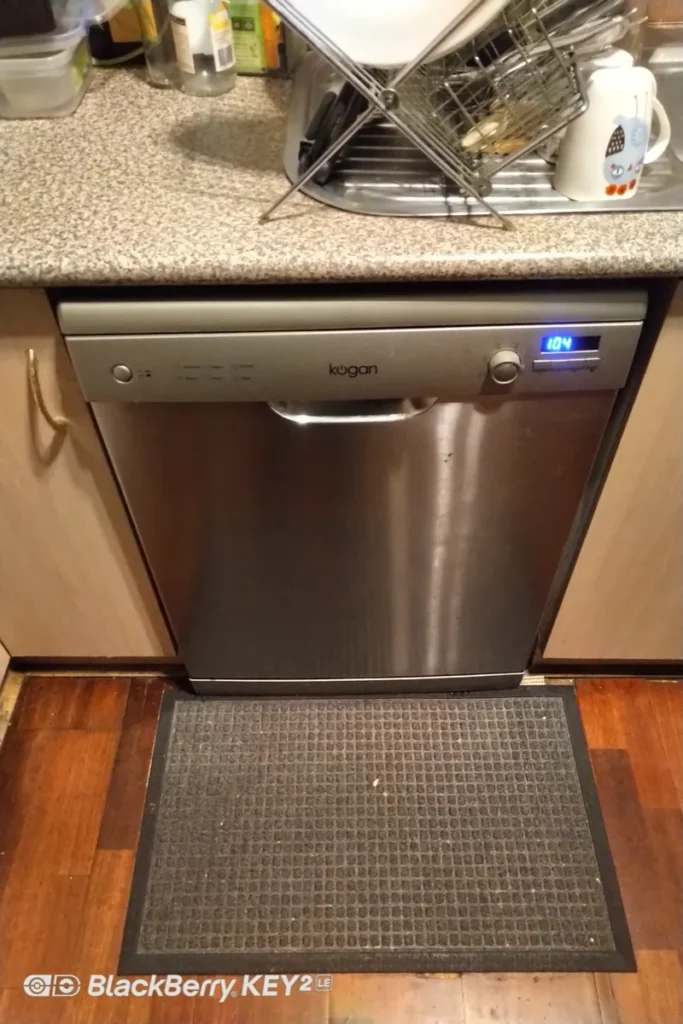
We see a lot of both at National Appliance Repairs, and the difference in how they communicate faults genuinely changes how you troubleshoot them. Bosch uses a fairly consistent E-code system across most of its range, so a given code generally means the same thing from one machine to the next. Smeg uses a set of flashing LEDs on the control panel instead, and what those flashes actually mean can shift depending on the model. Here's what tends to go wrong with each, and how to read what they're telling you.
Bosch: A Fairly Reliable Code System
Bosch's own support documentation lays out its error codes clearly, and in our experience they hold up consistently across most of the current range, which makes troubleshooting a lot more straightforward than with some other brands.
E15 means the safety switch has detected water in the base of the machine and triggered the flood protection system. This is usually caused by a leak somewhere, most often a worn door gasket, a loose hose connection, or excessive suds pushing water past a seal it shouldn't. Clearing the code without finding the actual leak just means it comes back.
E22 points to a blocked fine filter, one of the simplest and most common faults to show up. Pull the bottom rack, remove the filter, and give it a proper clean.
E24 and E25 both relate to drainage, but for different reasons. E24 usually means the drain filter or drain hose is blocked, often alongside a missing high loop in the drain hose installation or a blocked garbage disposal connection. E25 points more specifically at the drain pump itself, whether that's a jammed impeller from broken glass or bone fragments, or an actual pump failure.
E09 relates to the heating element, and it typically shows up once the element reaches the end of its working life, usually somewhere around the six to eight year mark on a well-used machine.
Smeg: A Different System, Model-Dependent Meanings
Smeg dishwashers typically use five LED indicators on the panel rather than a simple E-code readout, and a specific pattern of flashing and solid lights corresponds to a fault. The complication is that these patterns don't map consistently across every Smeg model. A flash pattern that means one thing on one dishwasher can mean something else entirely on another, so treating any single code as universal across the whole range isn't reliable.
That said, a few fault categories come up consistently regardless of the exact LED pattern on your specific model.
Flood or overfill protection is triggered when the machine detects more water than expected, often from a faulty inlet valve letting too much water in, or a blocked filter preventing proper drainage and causing the water level to rise instead. Drainage faults mean the dishwasher can't clear water within the expected time window, generally pointing to a blocked filter, a kinked or blocked drain hose, or a pump that isn't moving water the way it should. Heating faults are usually a defective heating element or a wiring fault between the element and the control board, occasionally showing up as the heater running with no water actually in the tub, which is a different problem from a heater that simply won't switch on. And water inlet faults tend to come down to low water pressure, a kinked inlet hose, or a faulty inlet valve, all fairly easy to check before assuming anything electronic has failed.
Given how much the exact meanings shift between Smeg models, the fastest path to an accurate diagnosis is checking your specific model's manual against the flash pattern you're seeing, rather than assuming it matches a code table written for a different generation.
Quick Reference: What Each Fault Category Usually Means
Fault Category
Bosch Code
Likely Cause
Leak or flood detected
E15
Worn door gasket, loose hose, excessive suds
Fine filter blocked
E22
Food debris, grease build-up
Drainage blocked
E24
Blocked filter, kinked hose, disposal connection
Drain pump fault
E25
Jammed impeller or failed pump
Heating element fault
E09
Element worn out, typically after 6-8 years
For Smeg models, match the LED flash pattern against your specific model's manual, since the same pattern of lights can point to different faults on different generations.
What You Can Check Yourself
Clean the filter thoroughly, checking both coarse and fine mesh sections if your model has them
Check the drain hose for kinks, and confirm it has a proper high loop if it connects near a sink or garbage disposal
Look at the door gasket for visible tears, warping, or trapped debris if a leak-related code is showing
Try a power reset by switching off at the wall for a few minutes, then running a short test cycle
Note down the exact code or LED pattern before calling anyone, since it saves time and speeds up diagnosis
When to Call a Technician Instead
Anything involving the heating element, the control board, or a pump that's confirmed faulty rather than just obstructed is a repair job, not a DIY project. Both brands sit at the premium end of the market, and getting a fix wrong on either risks turning a straightforward repair into a much bigger bill.
National Appliance Repairs technicians work on both Smeg and Bosch dishwashers regularly, and carry genuine filters, pumps, heating elements, and door seals for dishwasher repairs across both ranges. Most faults are diagnosed and fixed in a single visit, backed by a 12-month parts warranty and 3-month labour warranty.
Keeping Both Brands Running Well
Clean the filter on a regular schedule, weekly if the dishwasher runs daily
Wipe down the door gasket periodically to prevent the mould and residue build-up that eventually causes tears
Avoid overloading the detergent dispenser, since excessive suds are a common trigger for flood protection codes on both brands
Address a fault code as soon as it appears rather than resetting it repeatedly and hoping it clears on its own
Frequently Asked Questions
What does an E15 code mean on a Bosch dishwasher?
Water's been detected in the base of the machine, triggering the flood protection system. It's usually caused by a leak from the door gasket, a hose connection, or excessive suds, and resetting the code without finding the actual leak just means it returns.
Why do Smeg dishwasher codes seem to mean different things depending on who you ask?
Because they genuinely do vary by model. Smeg uses LED flash patterns rather than a universal number system, and the same pattern can indicate different faults across different generations of machine. Your specific model's manual is the most reliable reference.
What's the difference between a Bosch E24 and E25 code?
Both relate to drainage, but E24 usually points to a blocked filter or hose, while E25 points more specifically at the drain pump itself. It's worth checking the simpler cause, the filter, before assuming the pump has failed.
Can I clean a blocked filter myself on either brand?
Yes, on both. Removing and rinsing the filter assembly under hot water with a soft brush is safe and straightforward, and it resolves a large share of both brands' fault codes on its own.
What does it cost to repair a Smeg or Bosch dishwasher?
It depends entirely on the fault. A filter clean costs nothing. A heating element, control board, or pump replacement is more substantial. Call 1300 434 380 for a free phone consultation and ballpark pricing.
The Bottom Line
Bosch tells you fairly precisely what's wrong through its E-codes. Smeg tells you something's wrong and leaves the specifics to your model's manual. Either way, the filter, the hose, and the door seal solve most faults before you need a technician. Still showing a code after those checks? Get in touch with National Appliance Repairs or call 1300 434 380 for a same-day assessment, subject to availability, across Melbourne, Sydney, Brisbane, Adelaide, and Perth.
If you're running the same load twice because it came out damp the first time, something's wrong with the heating side of the dryer. Not the motor, not the drum. Usually a blocked vent, a dead thermal fuse, or a heating element on its way out.
In this guide from National Appliance Repairs, we’ll walk you through the actual causes, what you can check without a technician, and when it's not a DIY job anymore.
Why Your Dryer Runs But Doesn't Heat
Plenty of dryers keep tumbling perfectly normally while producing no heat at all, because the drum motor and the heating system don't depend on each other. So the fault isn't always obvious just from listening to it run.
A Blocked Vent or Lint Build-Up
This is by far the most common cause, and the easiest to rule out yourself. Lint that escapes the filter gradually coats the exhaust duct, the drum seals, and the areas around the motor. Once airflow drops enough, drying times stretch out even before the heating element or thermal fuse actually fails. A blocked vent is also a genuine fire hazard: Queensland's Electrical Safety Office notes that lint build-up around the drum and vent openings can elevate drum temperature enough to ignite, and recommends cleaning the filter every use.
A Blown Thermal Fuse
It's a one-time safety device -- trips once and stays tripped. Its job is cutting power to the heating element (or, on gas dryers, the burner circuit) if things run hotter than they should. Almost always the real cause is a blocked vent choking off airflow, not the fuse itself being faulty. That's the trap: swap the fuse without clearing the vent and the new one blows again within a few loads.
A Failed Heating Element or Igniter
Electric dryers heat with a coiled element, and years of running hot because of a half-blocked vent will eventually burn one out. Gas dryers don't have an element at all -- they've got an igniter and a gas valve instead. Watch for the igniter not glowing, or the valve just not opening. Drum spins fine either way. No burner firing means no heat, full stop.
A Faulty Thermostat or Sensor
This one's harder to spot. The thermostat and moisture sensor decide when heat cycles on and off, and when one's faulty the results are inconsistent -- sometimes under-heating, sometimes overheating, sometimes cutting the heat cycle short. All three look identical from the laundry room: clothes that never quite finish drying.
Quick Reference: Symptoms and Likely Causes
Symptom
Most Likely Cause
Can You Check This Yourself?
Clothes damp after a full cycle, drum spins normally
Blocked vent or dirty lint filter
Yes, clean filter and check outside vent flap
No heat at all, drum still tumbles
Blown thermal fuse or failed heating element
Limited, requires multimeter testing
Gas dryer tumbles but never warms up
Faulty igniter or gas valve
No, requires a licensed technician
Drying time gradually getting longer over weeks
Vent restriction building up
Yes, worth checking before it fails completely
Burning smell during the cycle
Overheating from severe blockage
Stop using immediately, call a technician
What You Can Check Before Booking a Repair
A few checks take five minutes and rule out the simplest causes.
Clean the lint filter and check it isn't torn or clogged with a waxy build-up from dryer sheets
Check the external vent flap opens freely when the dryer is running
Make sure the exhaust duct isn't crushed, kinked, or disconnected behind the machine
Confirm you're not overloading the drum, since a packed load restricts airflow too
Note whether the number of cycles needed to dry a normal load has crept up recently
If clothes are still damp after these checks, or if you notice a burning smell or the dryer feels hot to the touch, stop using it and arrange a professional inspection.
Why This Isn't a DIY Repair Job
Checking the lint filter and vent is safe and sensible. Going further, such as testing or replacing a heating element, thermal fuse, or gas igniter, is not. Dryers combine high-voltage electrical components with parts that reach several hundred degrees during normal operation, and gas models add pressurised gas lines into the mix. Getting it wrong risks electric shock, burns, or a fire.
National Appliance Repairs technicians are trained across vented, condenser, and heat pump dryers, and carry genuine heating elements, thermal fuses, and vent components in every van, so most heating faults are diagnosed and fixed in a single visit. Every dryer repair comes with a 12-month warranty on parts and a 3-month warranty on labour, and same-day appointments are often available across Melbourne, Sydney, Brisbane, Adelaide, and Perth, subject to availability.
Frequently Asked Questions
Why does my dryer run but not produce heat?
Two separate systems. The motor spins the drum, the element (or burner) makes the heat, and one can die without touching the other. Blocked vent or blown thermal fuse is the usual culprit. After that, a burnt-out element on electric models or a dead igniter on gas ones.
Is a dryer that won't heat actually dangerous?
Can be. If the no-heat problem is coming from a blocked vent, that's not just an efficiency issue -- it's a recognised fire risk. Burning smell, hot casing, anything like that: stop running it and get it looked at instead of pushing through another cycle.
Can I fix this myself?
Some of it. Lint filter, external vent flap -- go ahead. Heating element, thermal fuse, thermostat, gas igniter -- no. Those involve either high voltage or a gas line, and that's a technician's job.
What does it cost to fix?
Depends entirely on what's actually broken. A thermal fuse is a cheap part. A heating element or gas valve is a bigger job. Ring 1300 434 380 and you'll get a ballpark over the phone before anyone books anything.
How often should the vent actually get cleaned?
Filter, every load -- that one's non-negotiable. The full exhaust duct wants a proper clear-out at least once a year, sooner if you notice loads taking longer than they used to.
The Bottom Line
A dryer that won't heat is rarely worth ignoring or working around with extra cycles. Most cases trace back to a blocked vent, a blown fuse, or a worn heating component, and all three are straightforward for a qualified technician to diagnose and fix. If your dryer is taking two or three cycles to finish a normal load, get in touch with National Appliance Repairs or call 1300 434 380 to book a same-day assessment, subject to availability, before a minor fault turns into a bigger one.